
Installing Nextcloud on Android
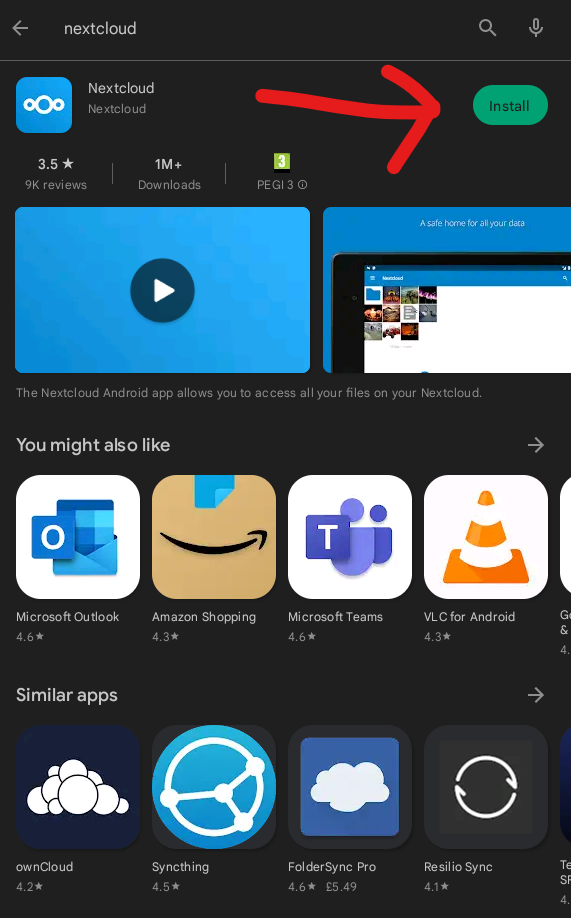
- Open the Google Playstore
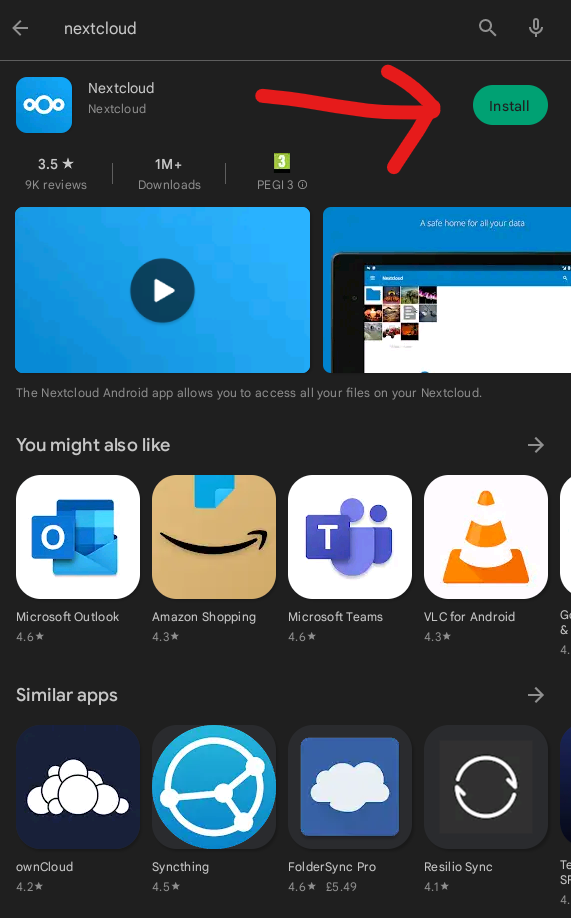
- Search "Nextcloud"
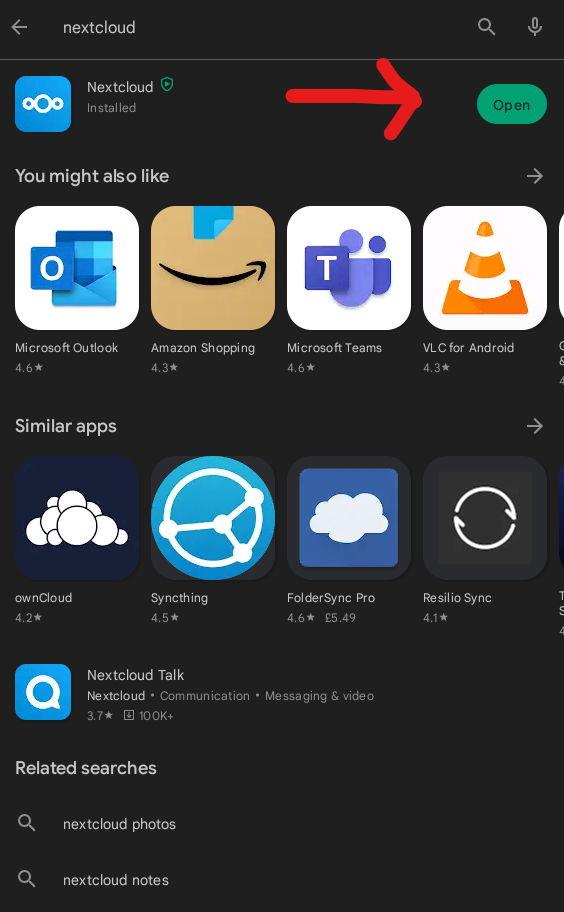
- Install the Nextcloud App
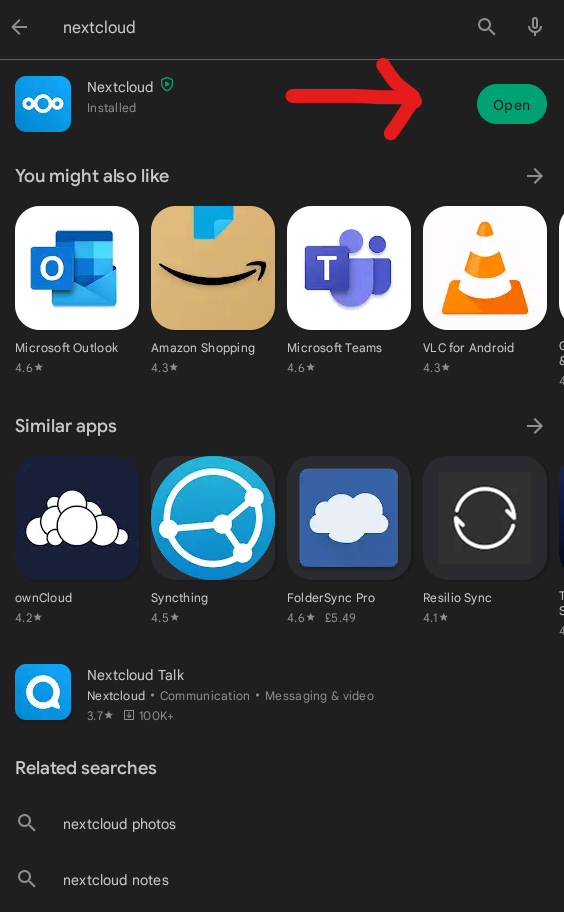
- Open the Nextcloud App
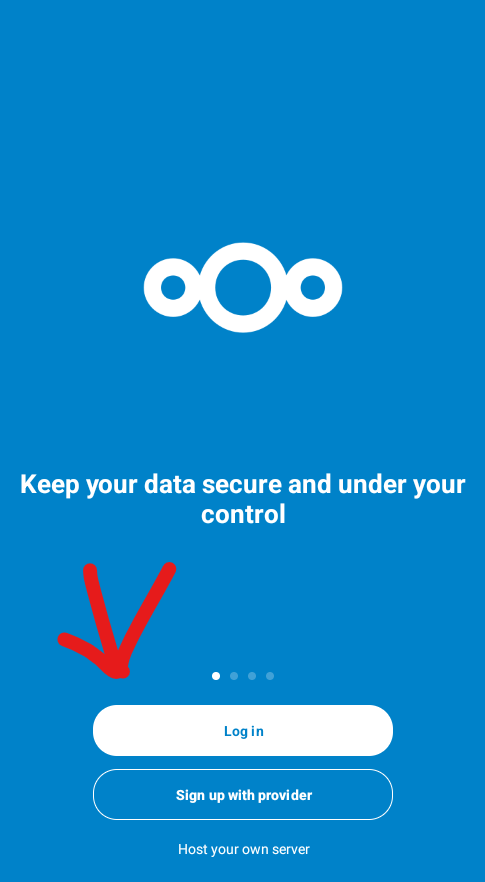
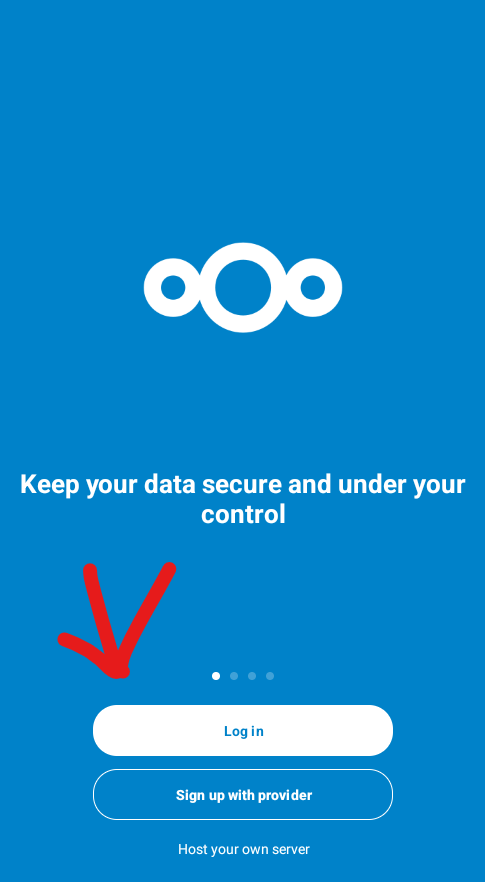
- Press Log in
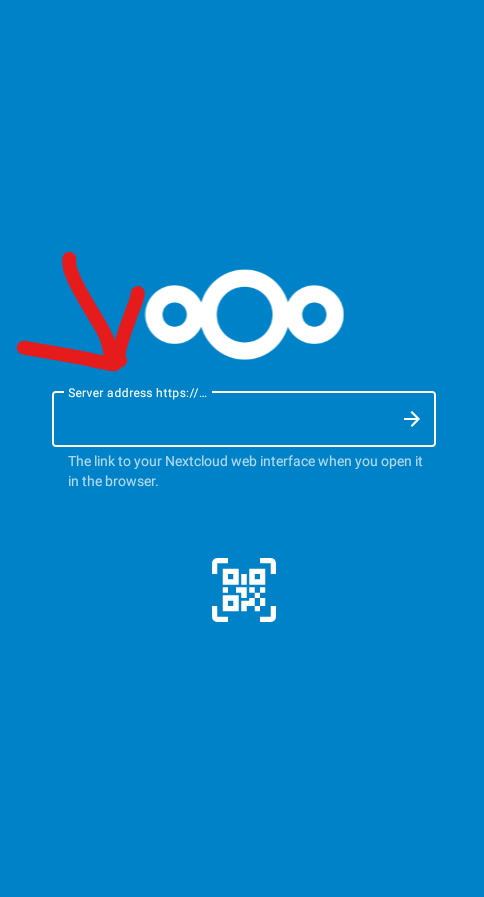
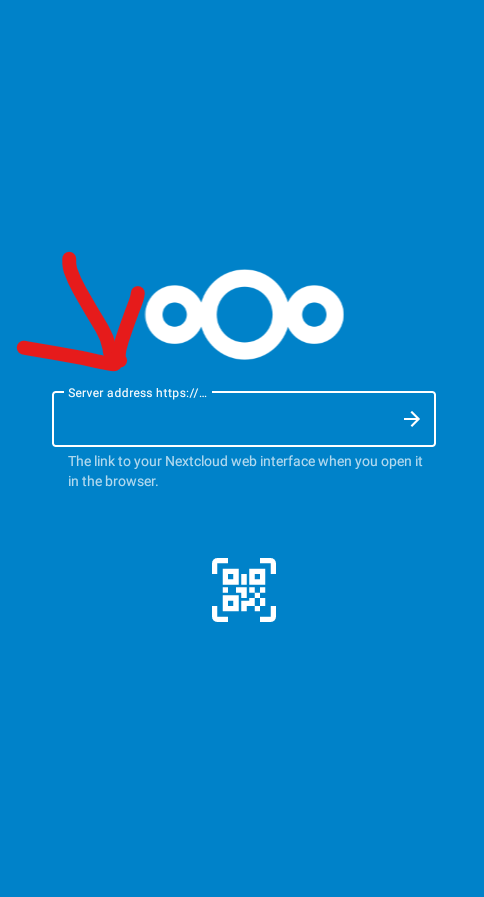
- Enter in the "Server Address" box "https://files.sinorrah.co.uk"
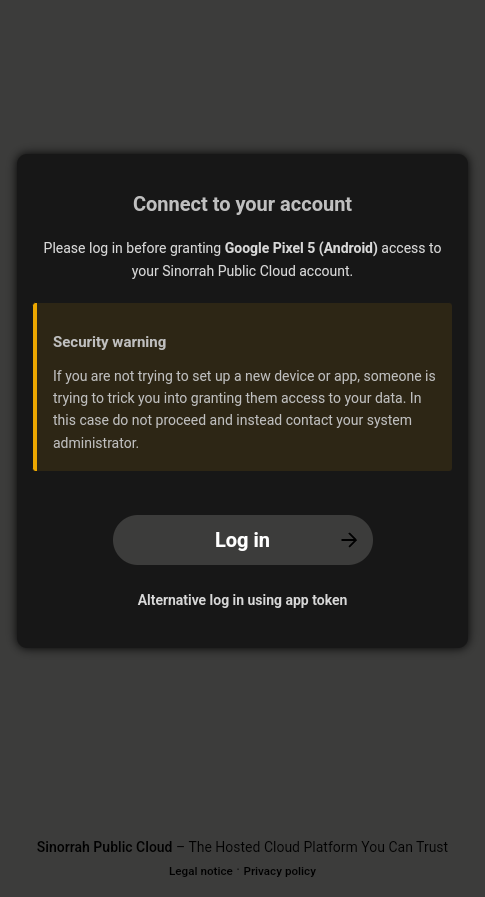
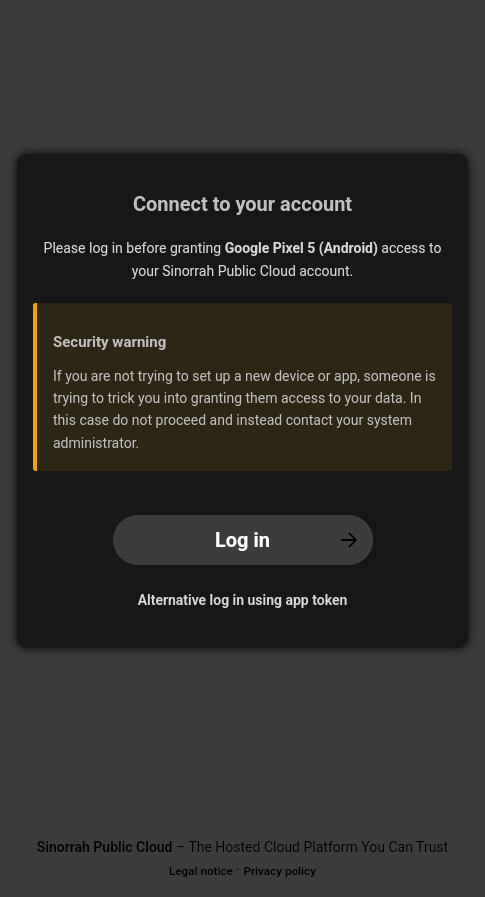
- Press "Log in"
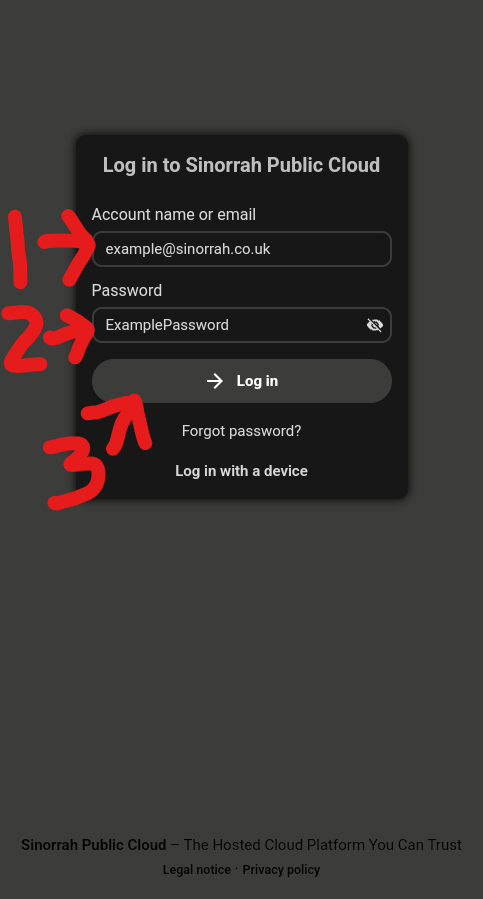
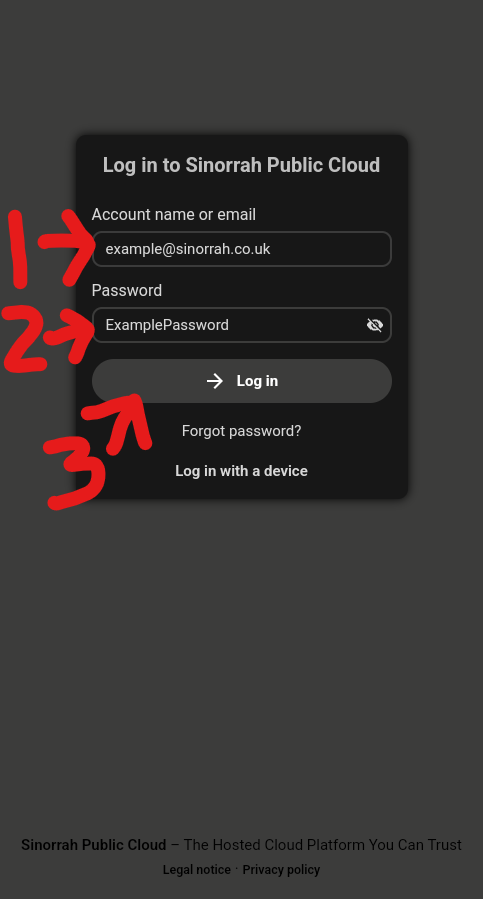
- Enter your email address in the "Account name or email" box, Enter your password in the "Password" box, then press "Log in"
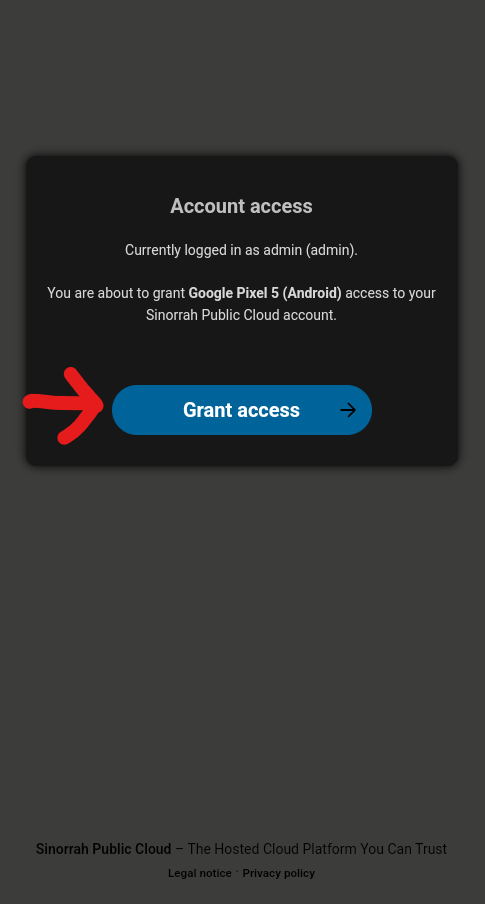
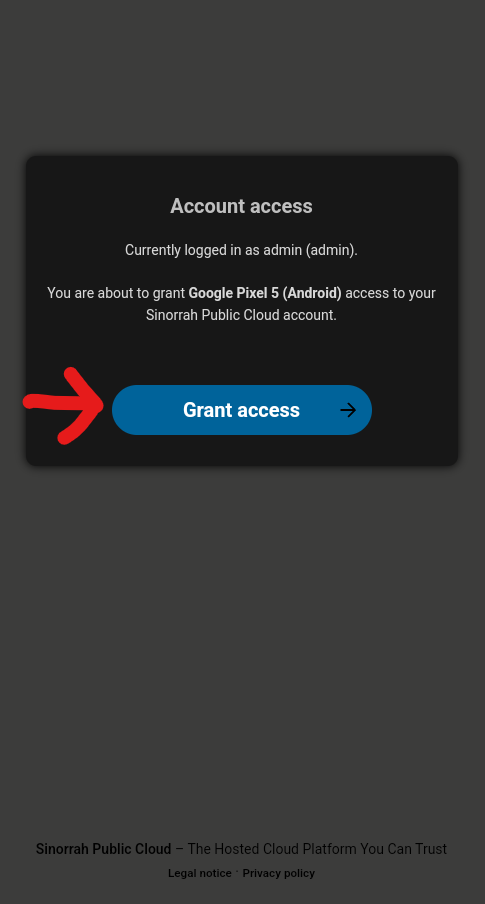
- Press "Grant Access"
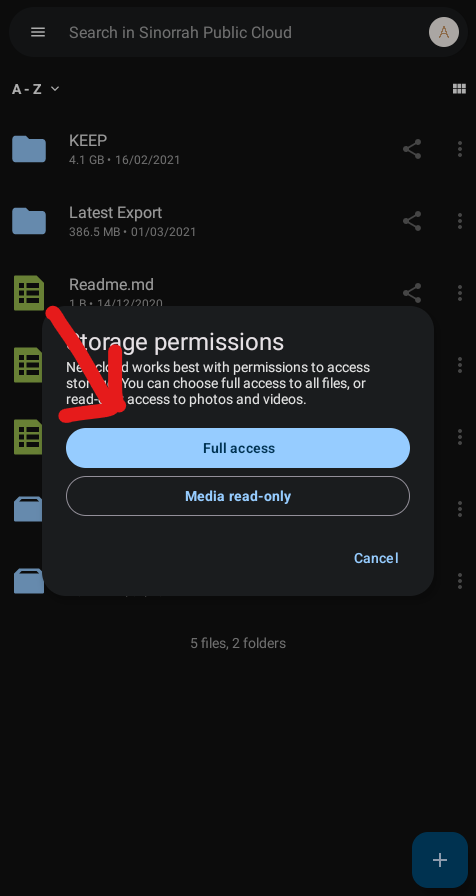
- Depending on your version of android you will either get a pop up asking to "Allow" or "Deny" storage permissions, if this is the case press "Allow".
If you get a pop up like below, press "Full access"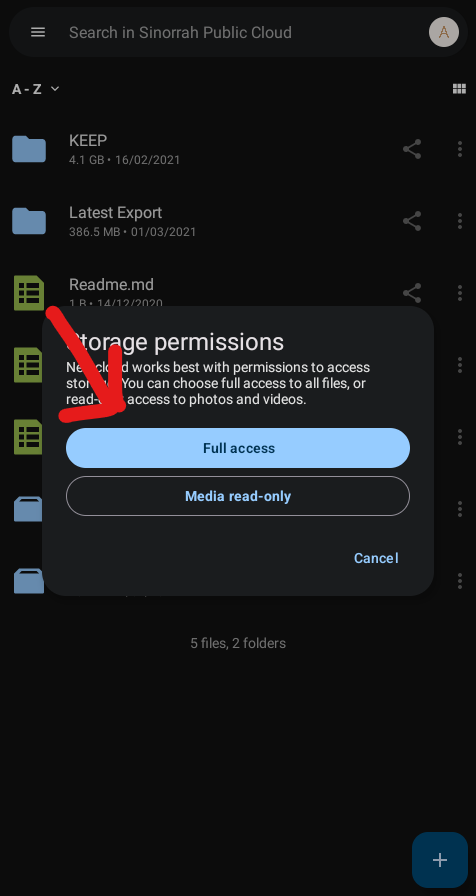
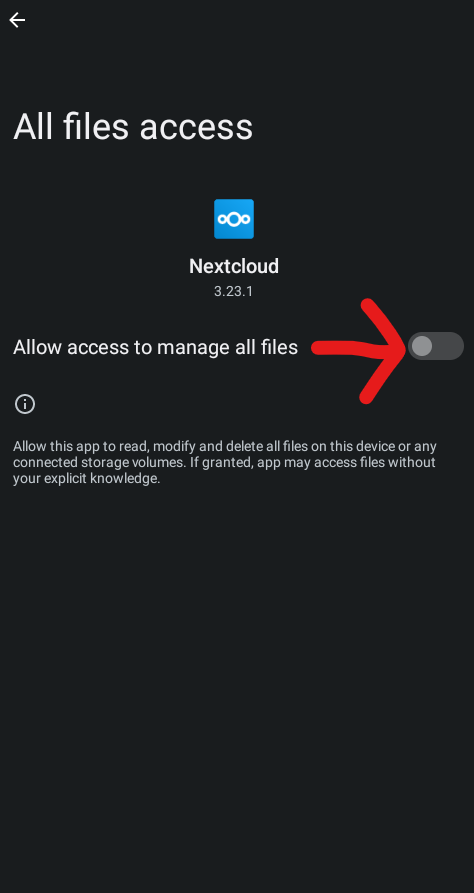
Then toggle the switch to enable it.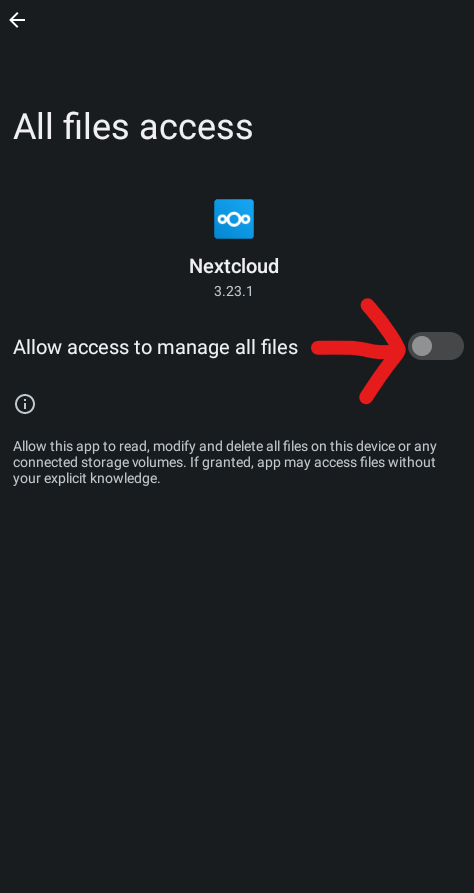
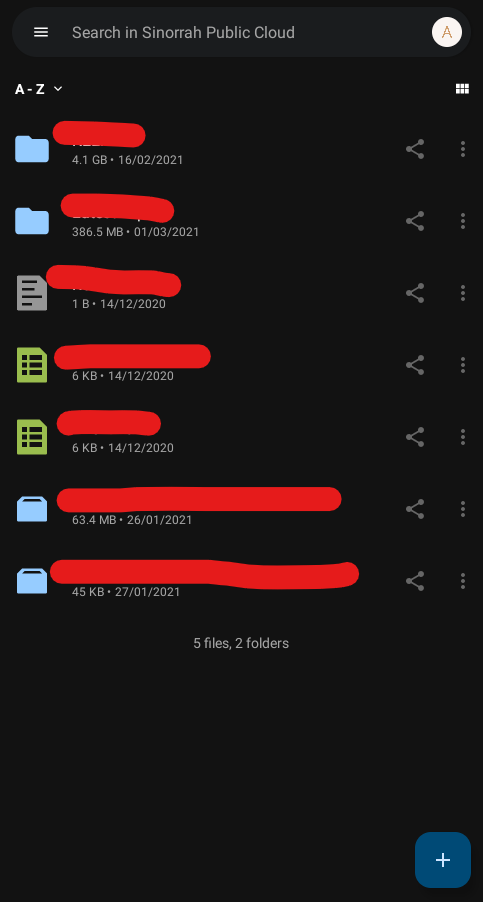
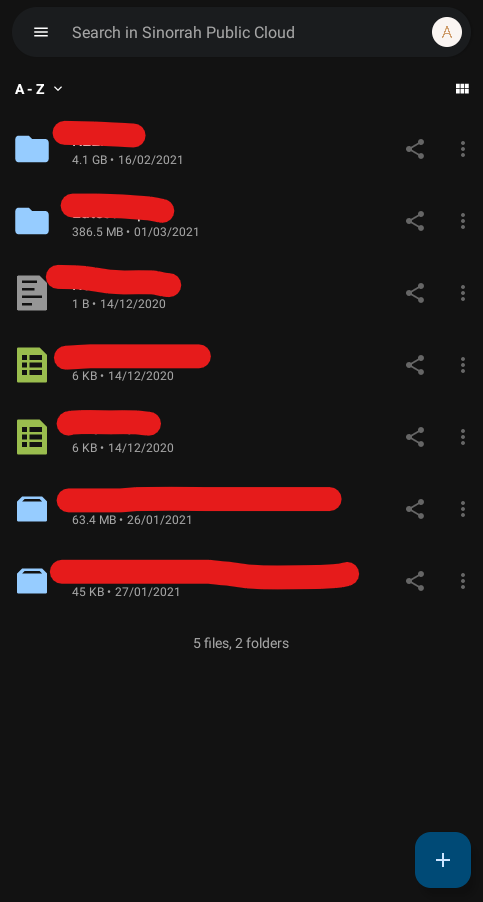
Then press the back button at the top. - Nextcloud should now be setup and ready to go
No comments to display
No comments to display