
VPN Guides - Wireguard MAC Installation
- Go to https://itunes.apple.com/us/app/wireguard/id1451685025?ls=1&mt=12 or the App Store and download "Wireguard" and choose "Get" then "Install App"
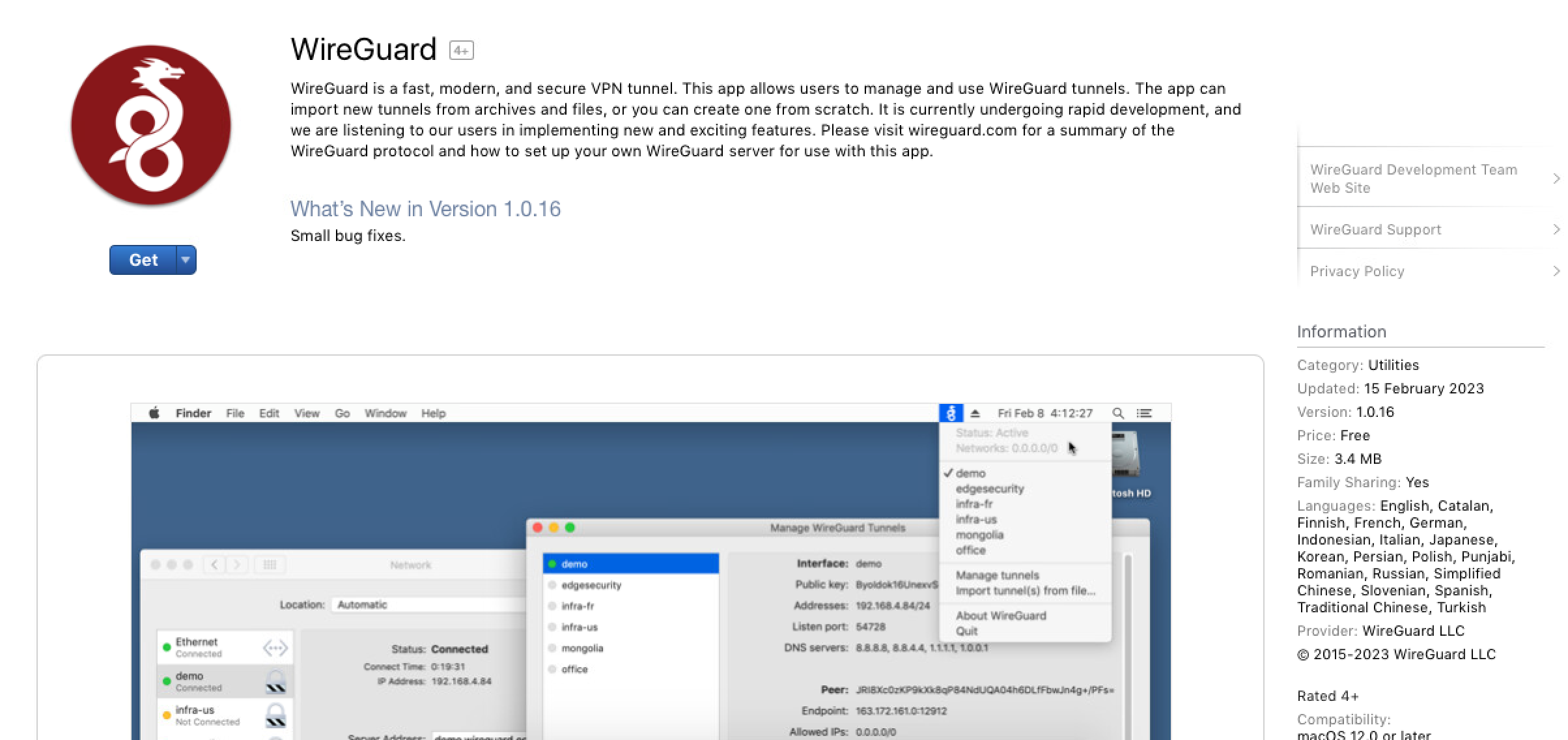
- Once downloaded and installed. Click Open
- If the WireGuard GUI opens like below, WireGuard is now installed.
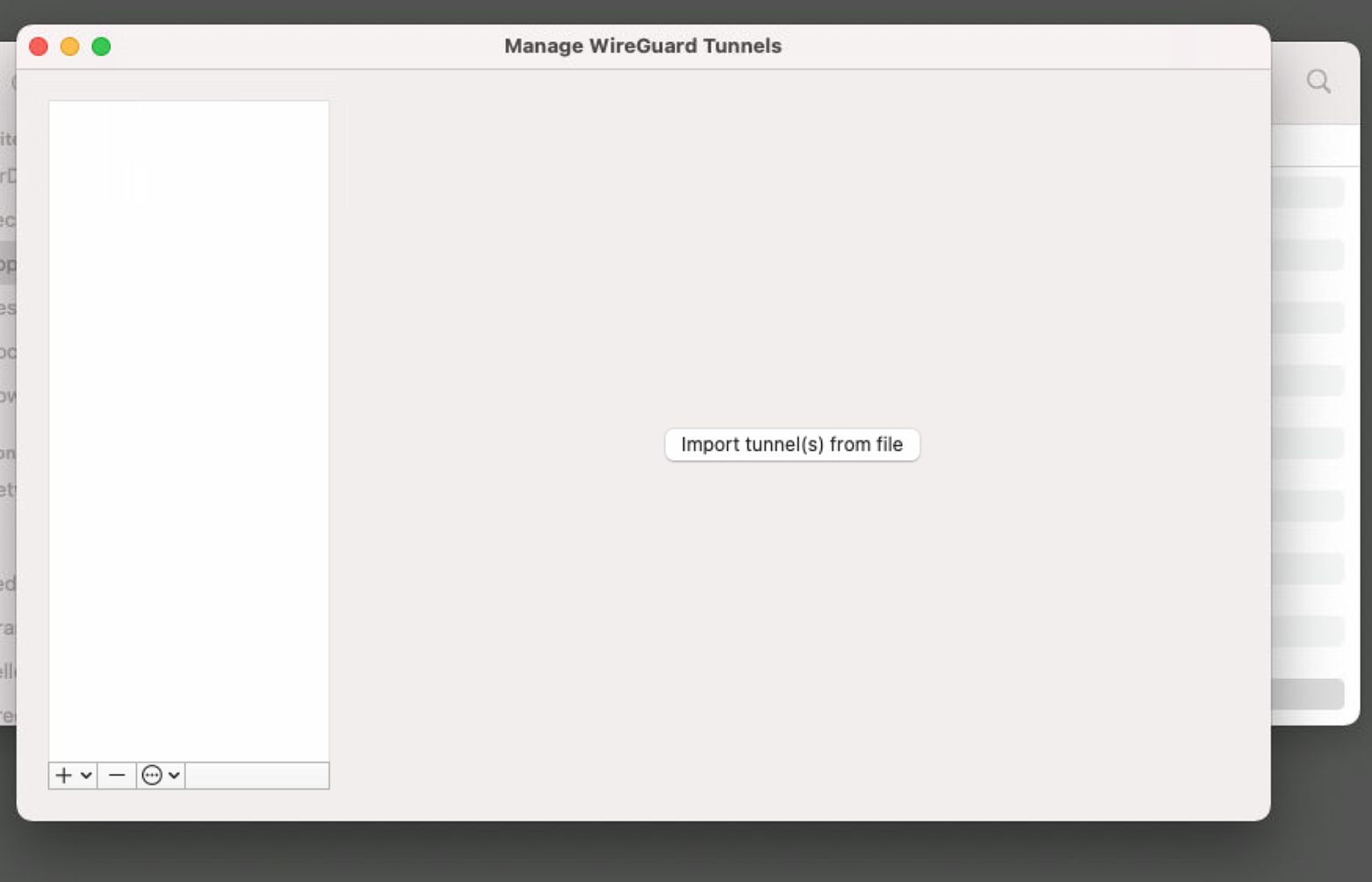
- Click "Import Tunnel(s) from file and choose the config file you have been sent
No comments to display
No comments to display