How to use Screenbeam
1. Open Screenbeam
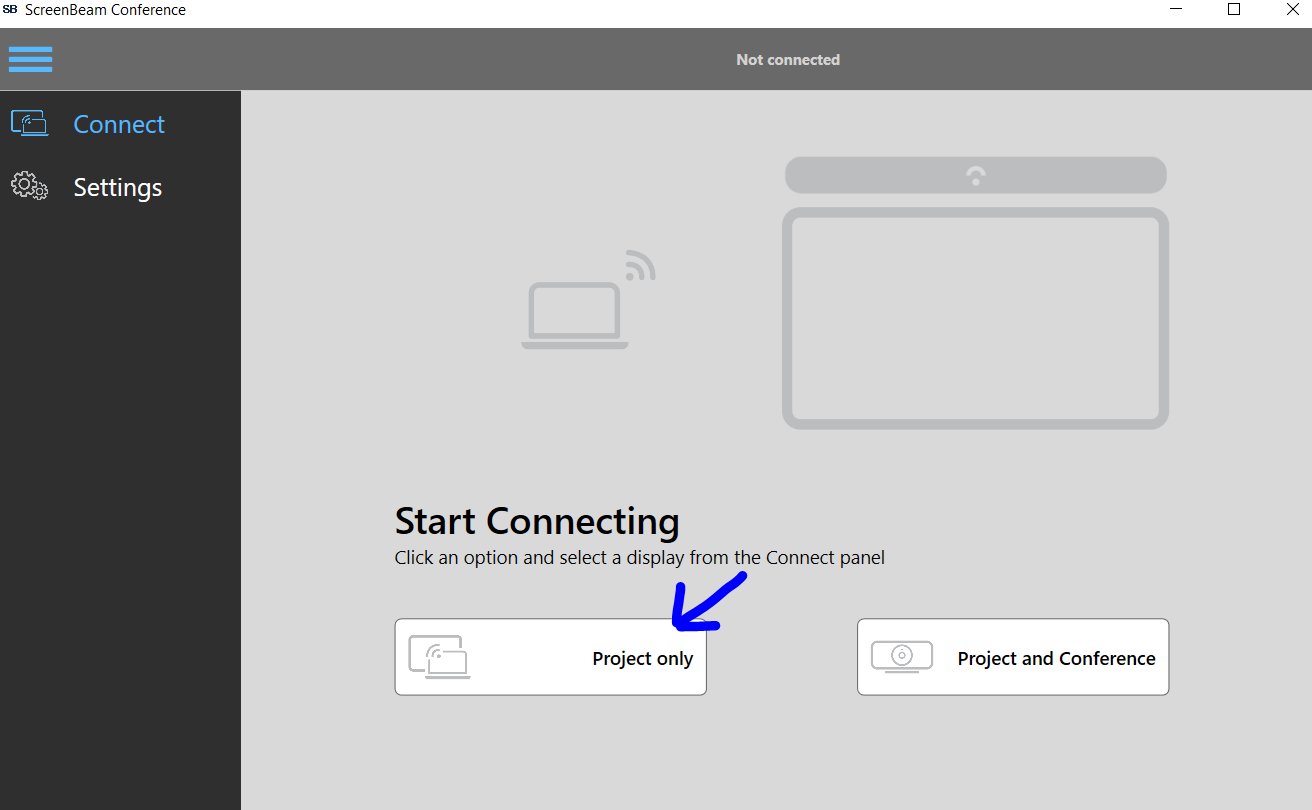
2. Select Project Only
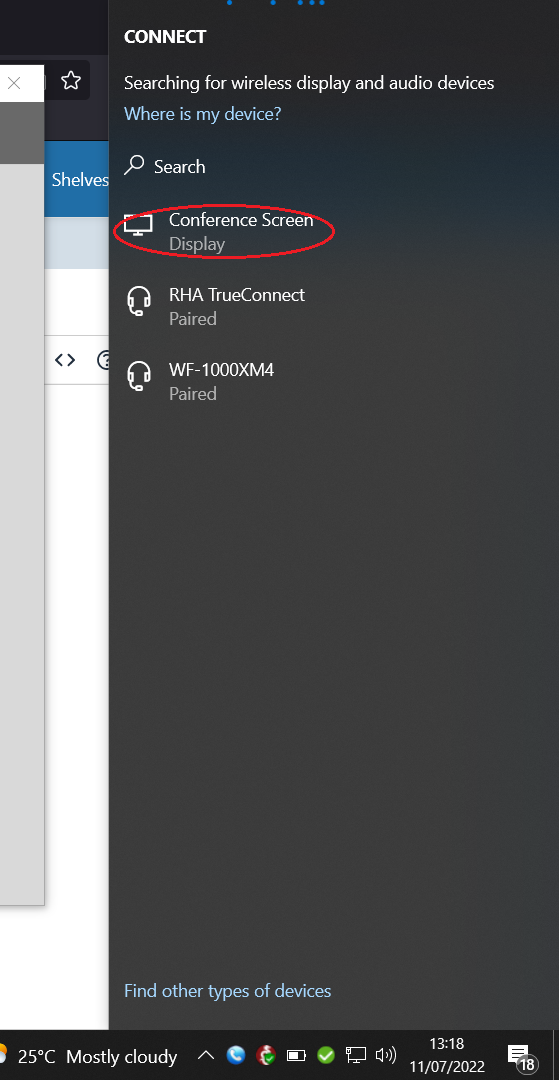
3. Select Conference Screen
4. Fill in the code displayed on the screenpresenter screen.
5. You are now connected in Duplicate Screen mode.
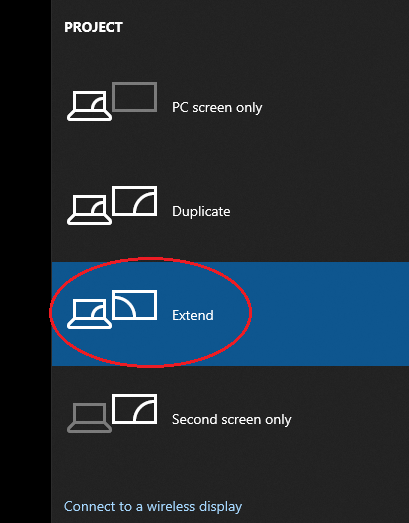
6. To set it to "Extend" (EG act like 2 differnt screens) you need to press the Windows Key + The Letter P
7. A pop up should appear, select "Extend", you should now have them as 2 displays, allowing you to drag windows to the presenter screen.