
Set up a Sinorrah Exchange email in the iOS Mail app


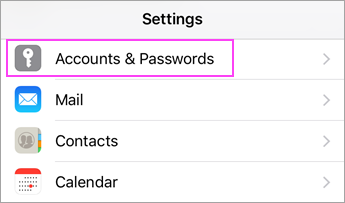
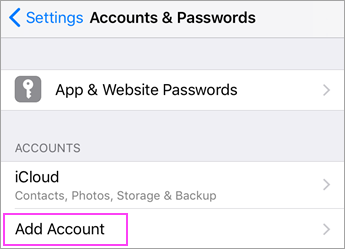
Go to your iPhone or iPad's Settings > scroll down and tap Accounts & Passwords > Add Account.
Note: If you're on iOS 10 or above, go to Mail > Accounts >Add Account.

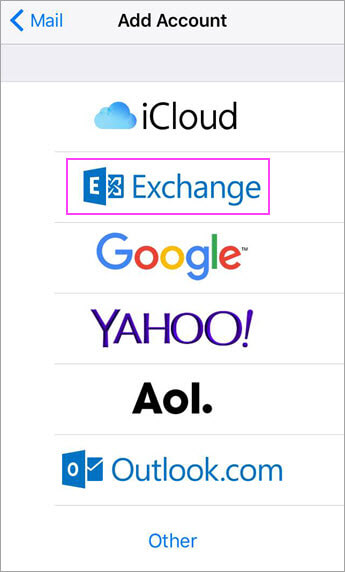
Select Exchange.

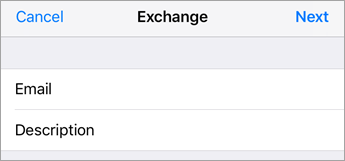
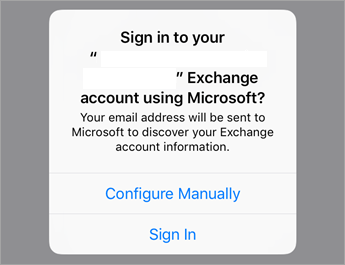
Enter your email into the email box. Tap Next.
Tap Configure Manually.

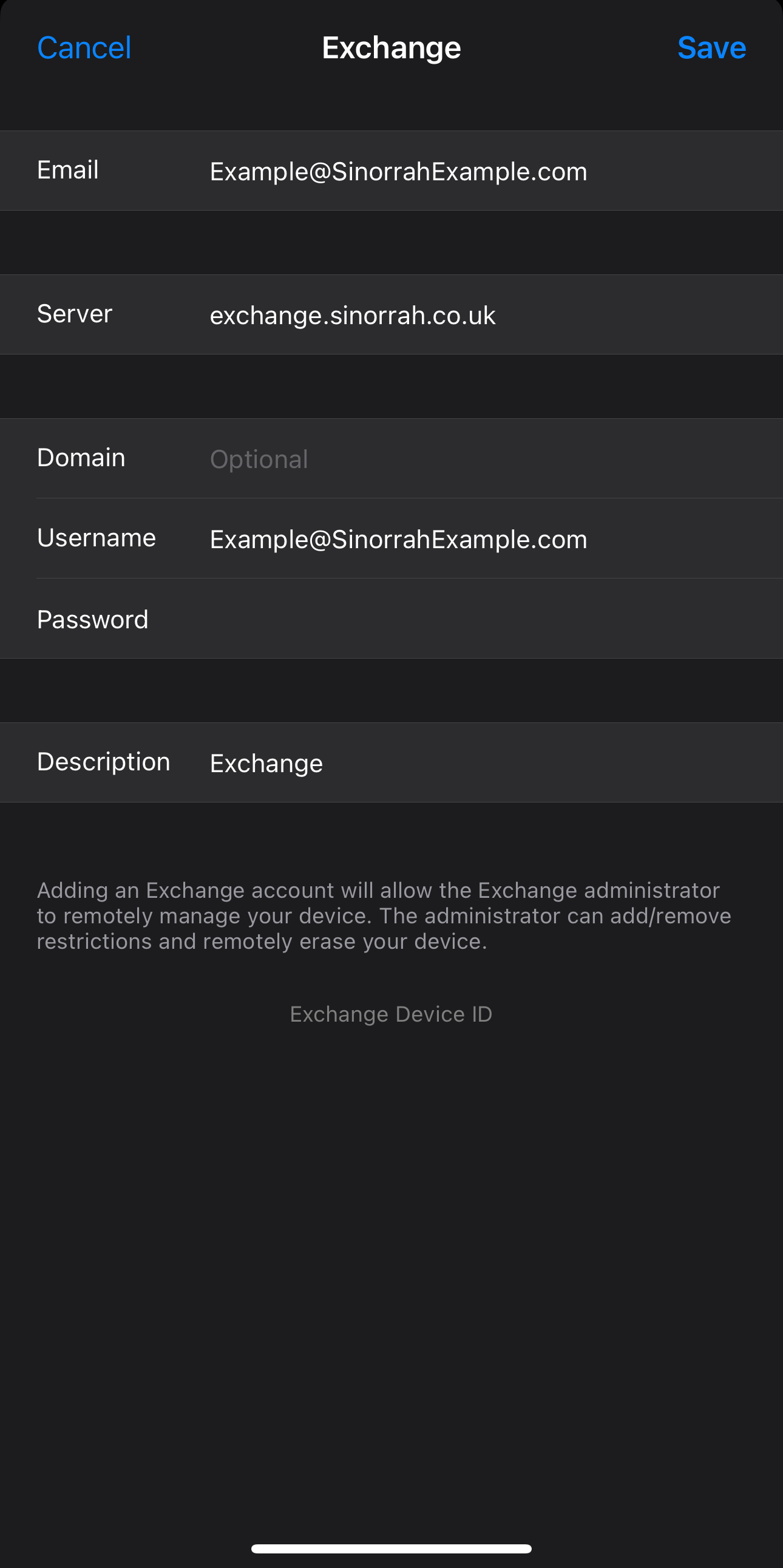
Email: Your Email you are trying to add
Server: exchange.sinorrah.co.uk
Domain: Leave Blank
Username: Your Email you are trying to add
Password: Your Password for your email
Press Save

Choose the services you want to sync with your iOS device and tap Save. You're done!

No comments to display
No comments to display