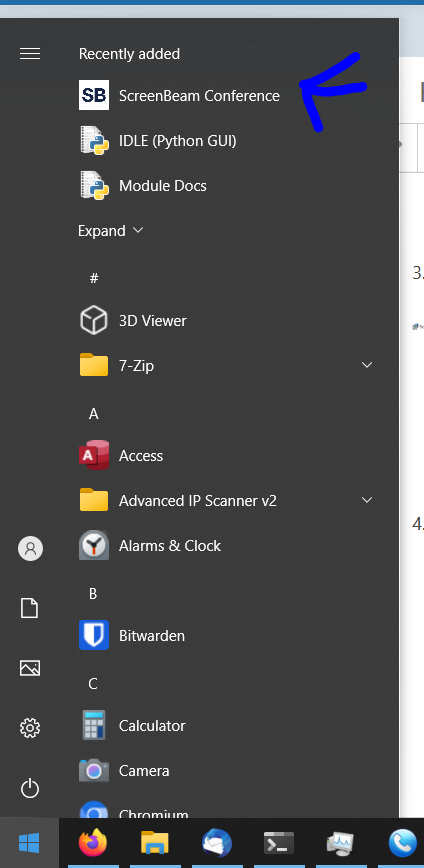
How to Install Screenbeam
1. Connect to the same Wifi network as the Screenbeam (This should be the same as the venues Wifi OR the presenter screen might have the wifi information on the screen.
2. Go to https://www.screenbeam.com/products/screenbeam-conference-software-download/ and download the installer.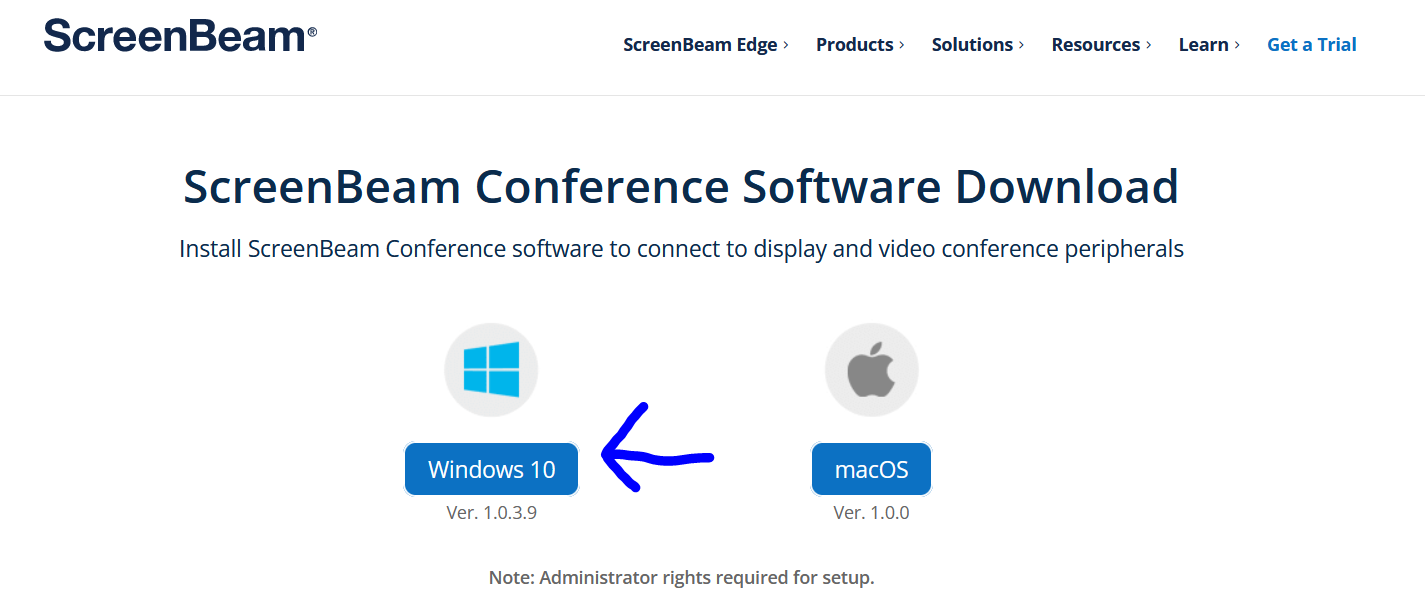
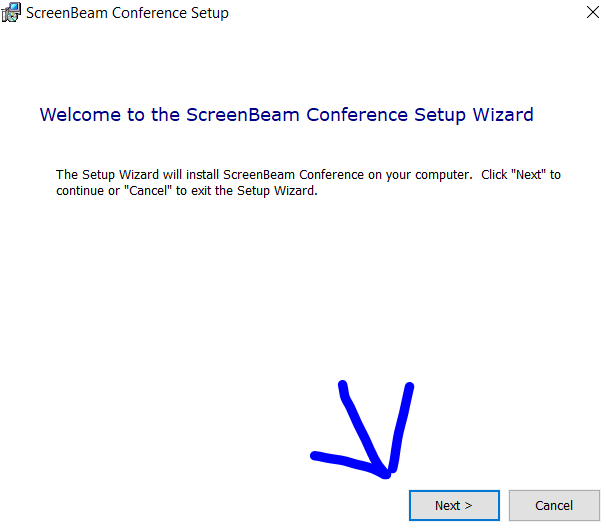
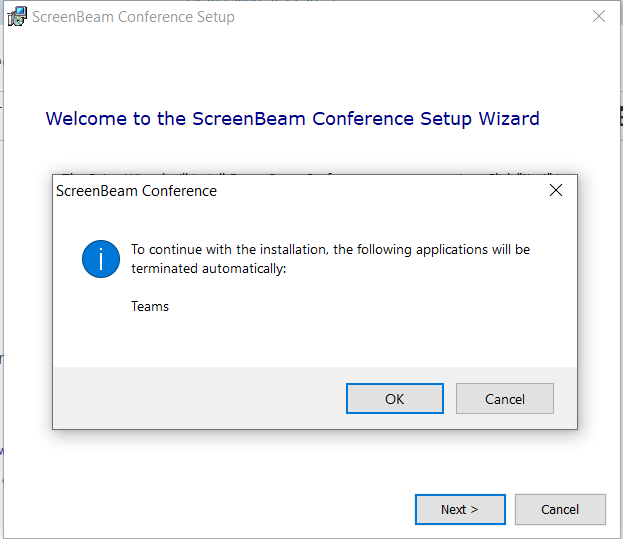
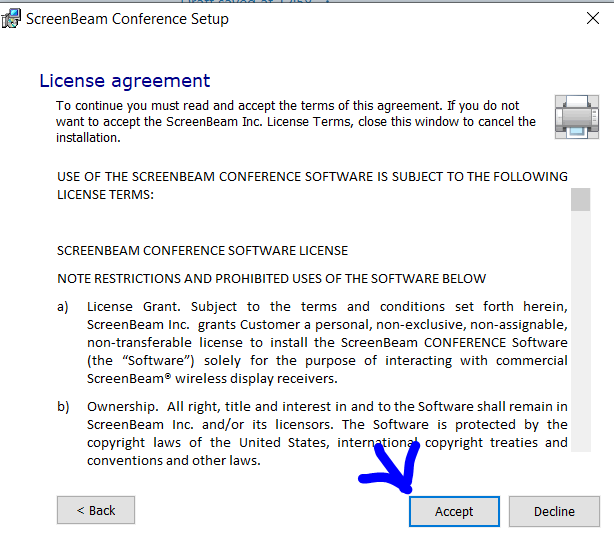
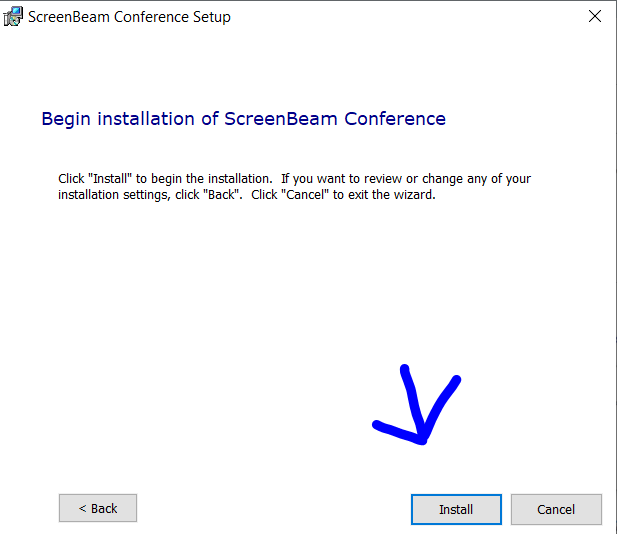
3. Open the downloaded Installer and go through the installer.
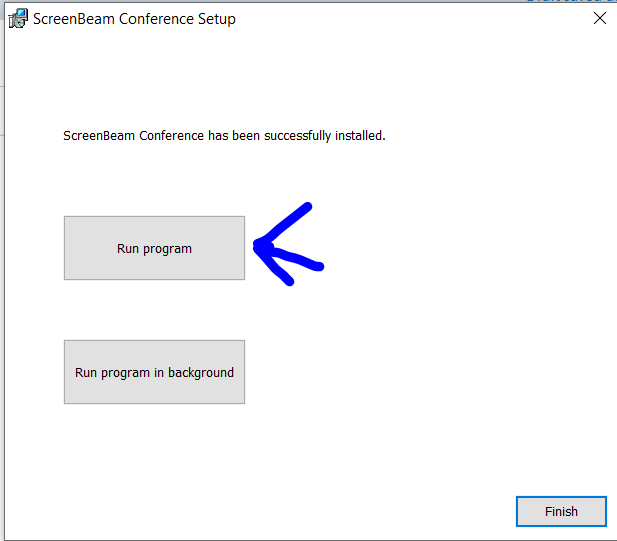
4. Open Screenbeam