Installing Nextcloud on IOS
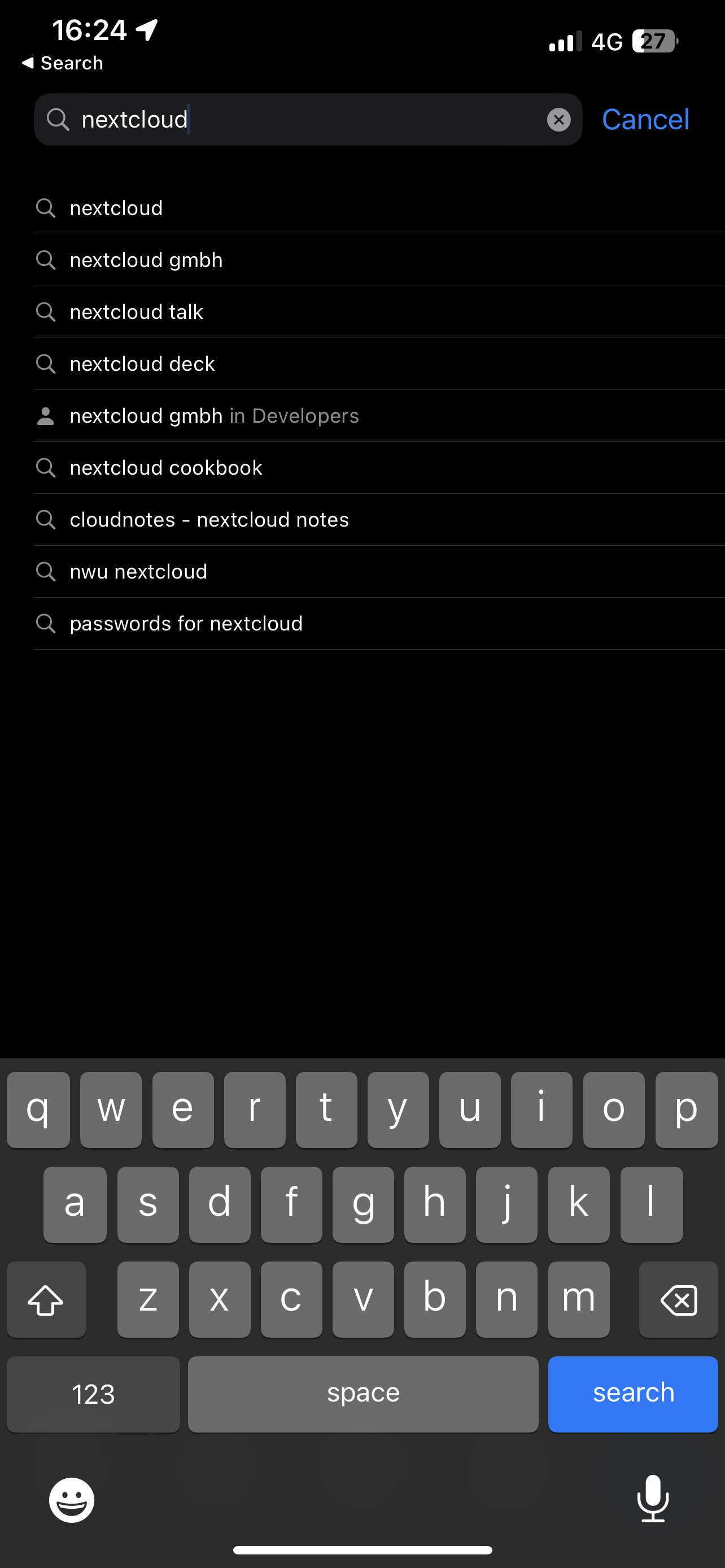
- Open the App store and search "Nextcloud"

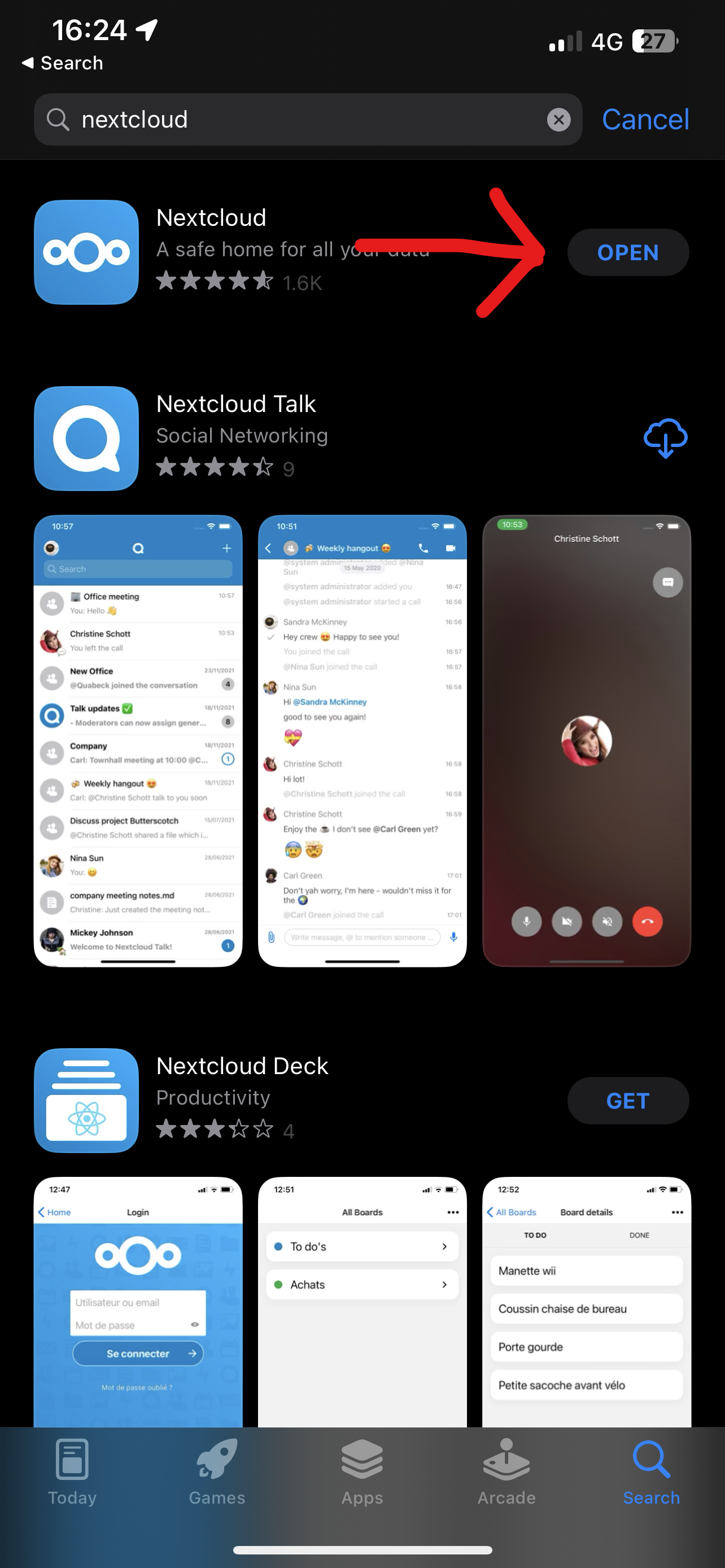
- Install the Nextcloud App

- Open the Nextcloud App
- Press Log In
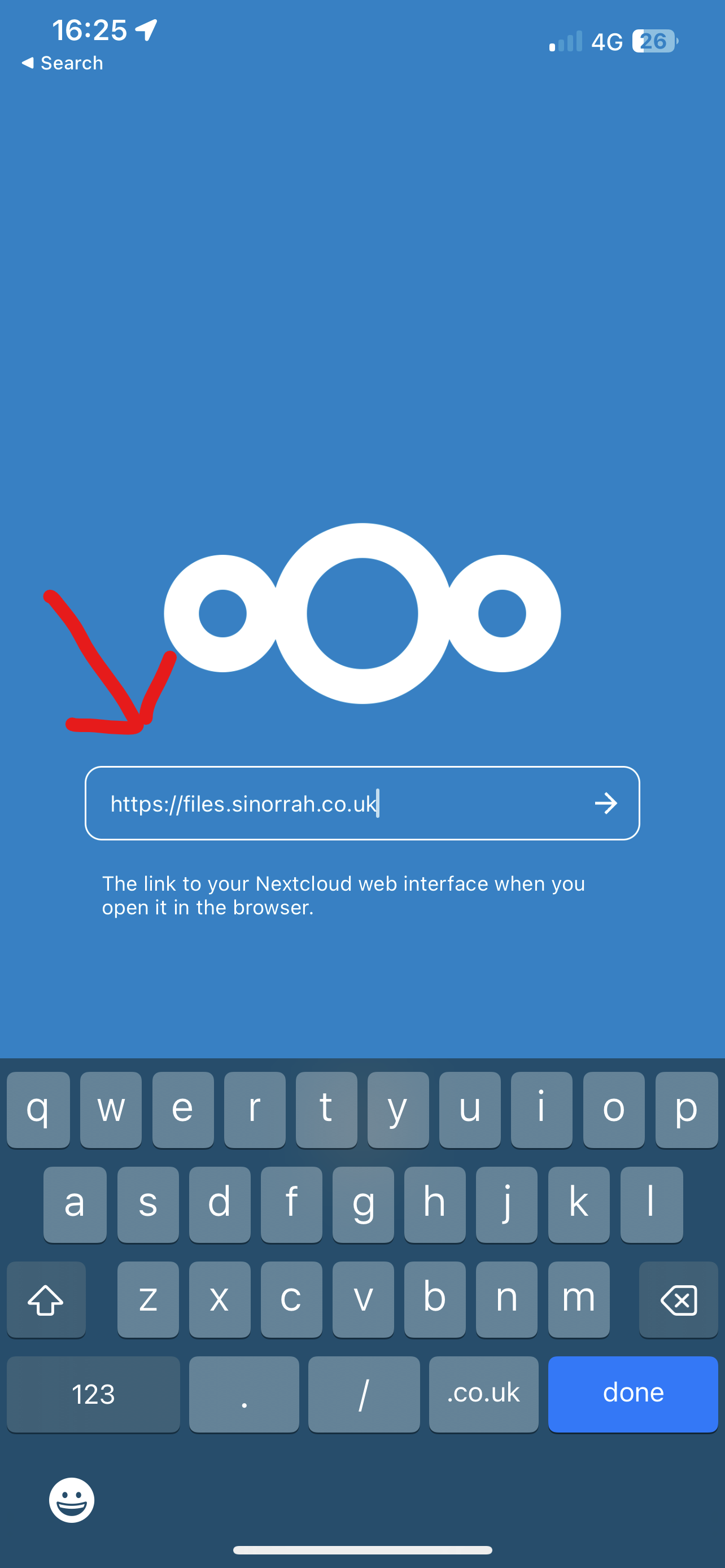
- Enter in the "Server Address" box "https://files.sinorrah.co.uk"

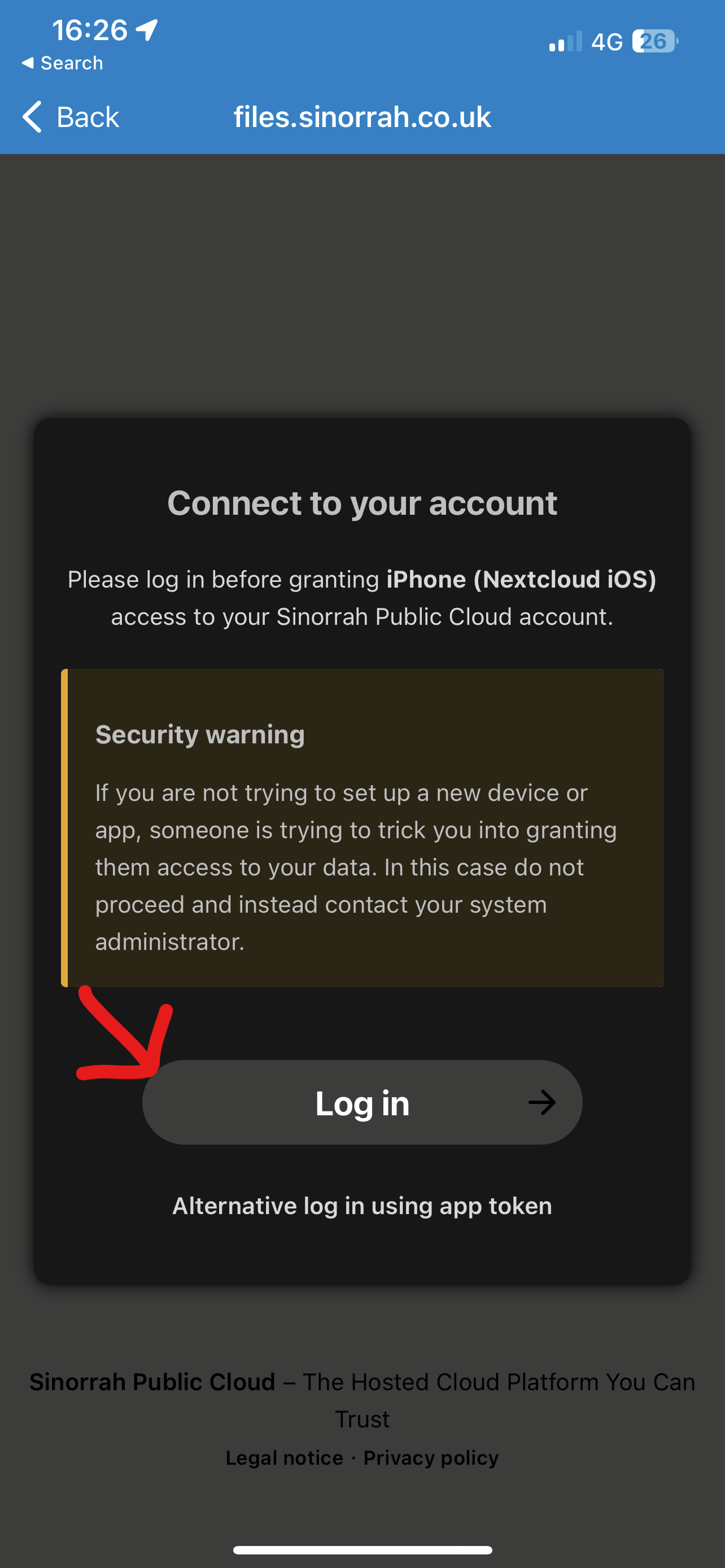
- Press Log In

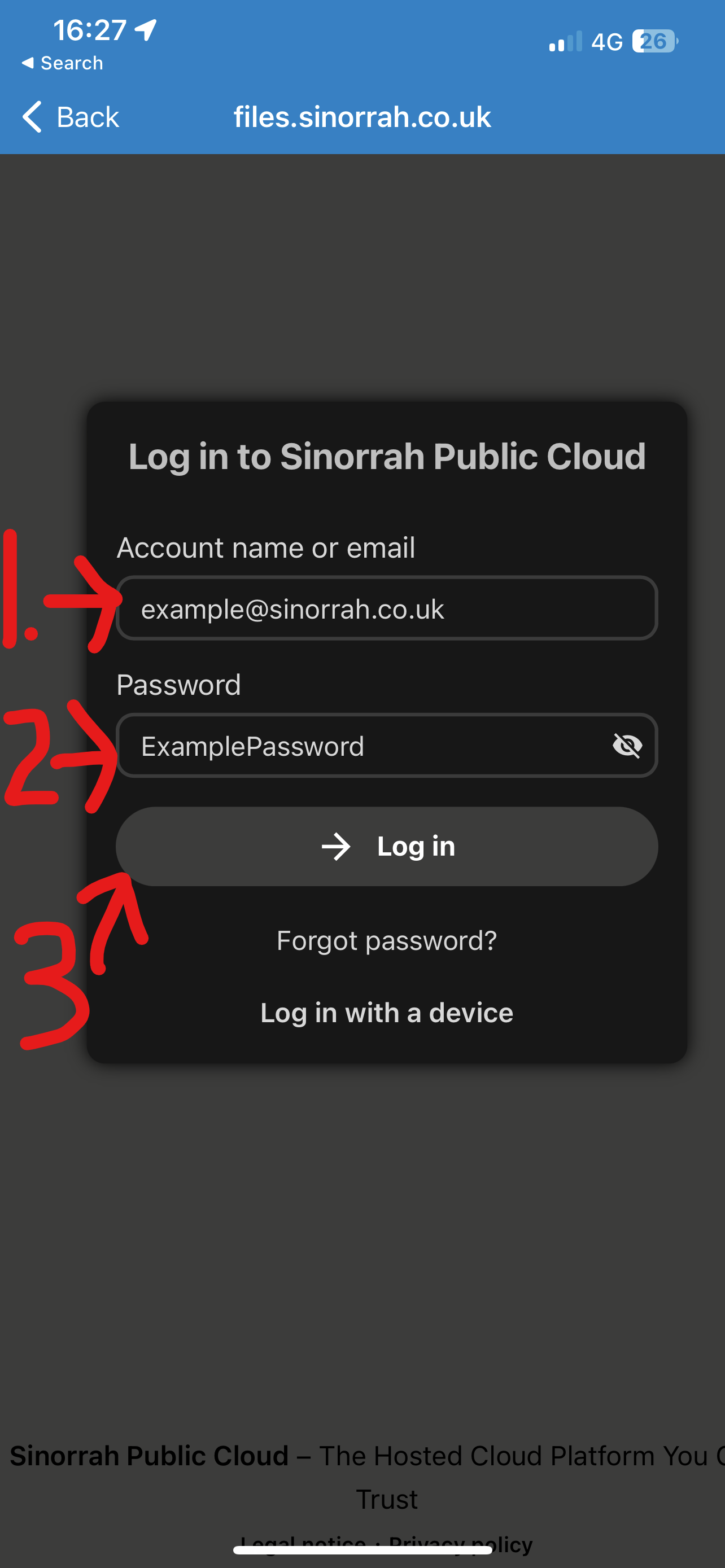
- Enter your email address in the "Account name or email" box, Enter your password in the "Password" box, then press "Log in"

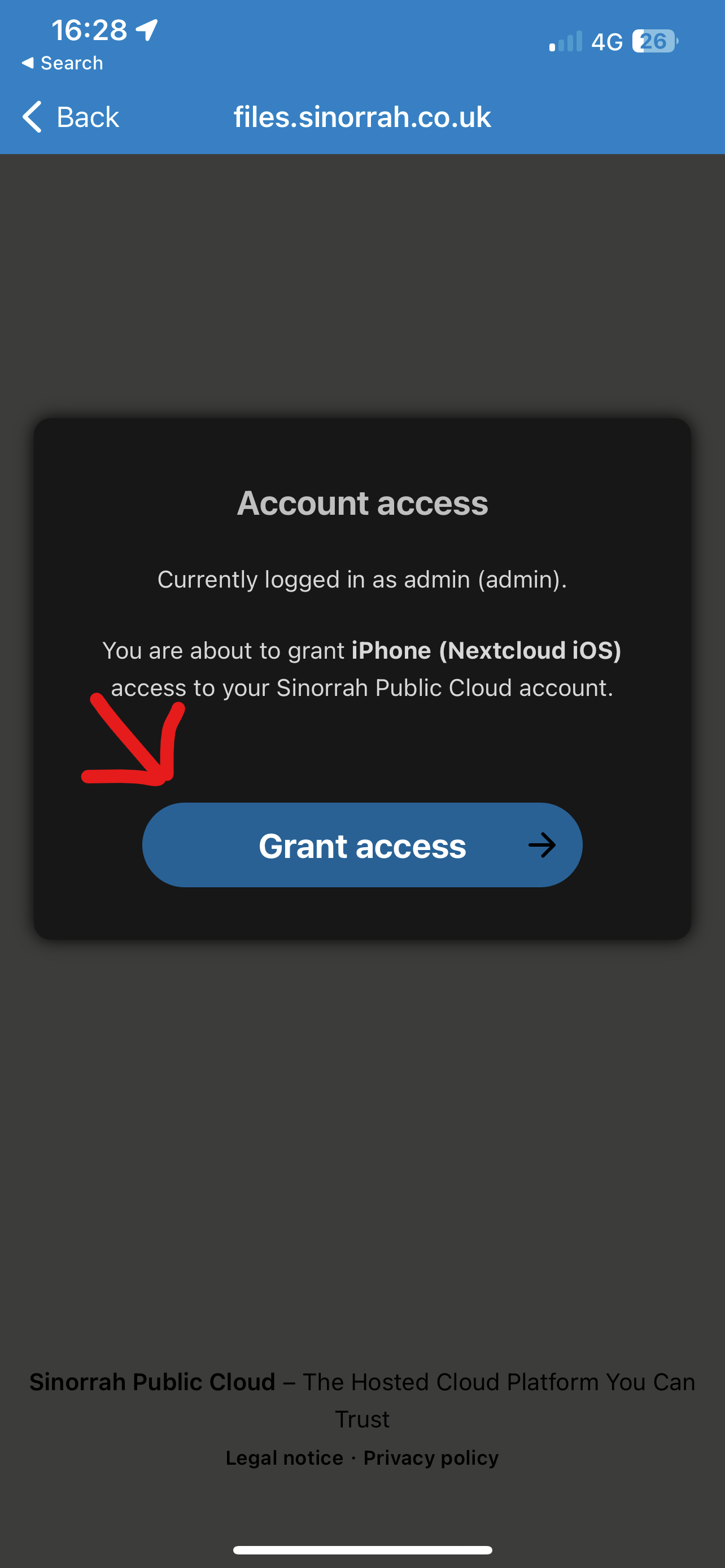
- Press Grant Access

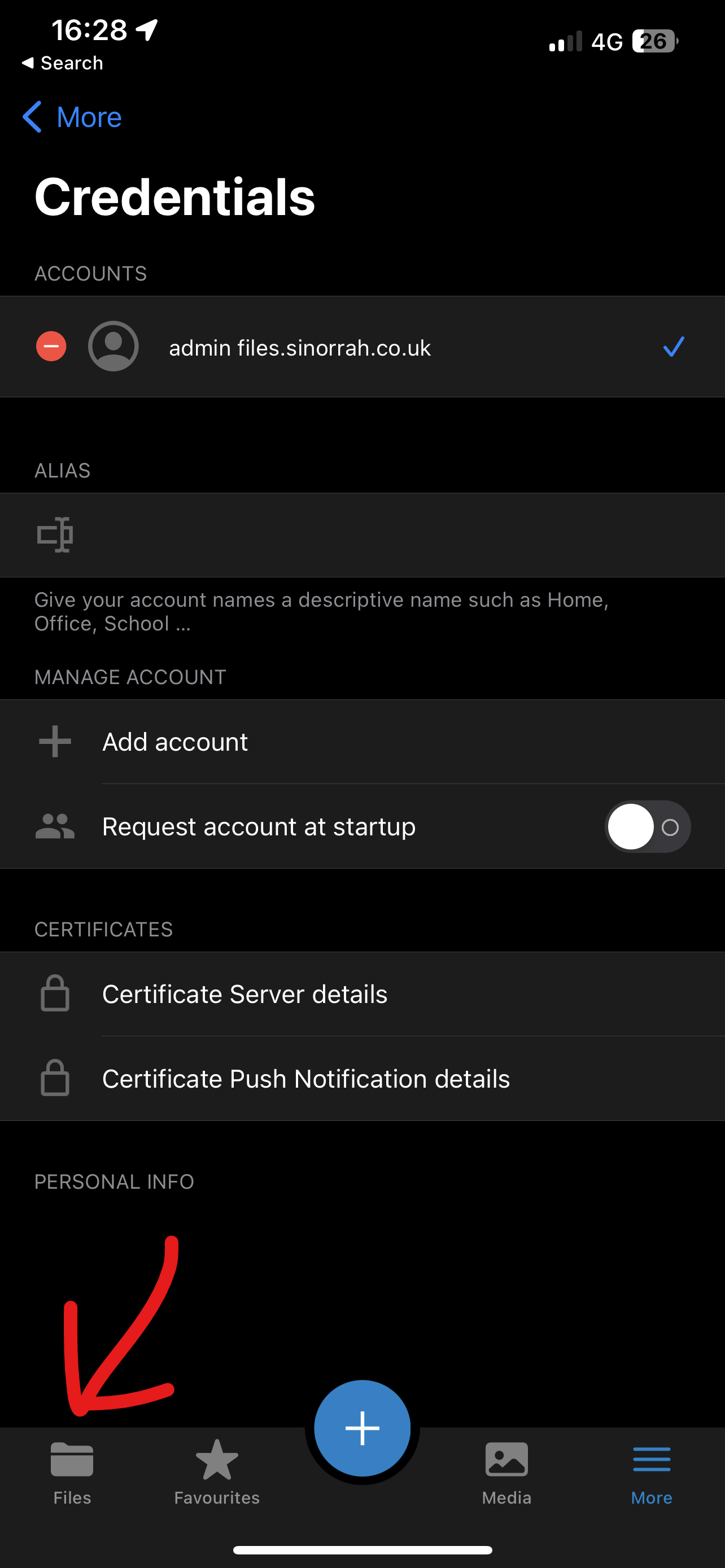
- You should now be logged in and ready to use Nextcloud, to view your files press the "Files" icon at the bottom of the screen