Install Nextcloud on Mac (macOS)
Installing Nextcloud on Mac (macOS)
- Go to Nextcloud.com
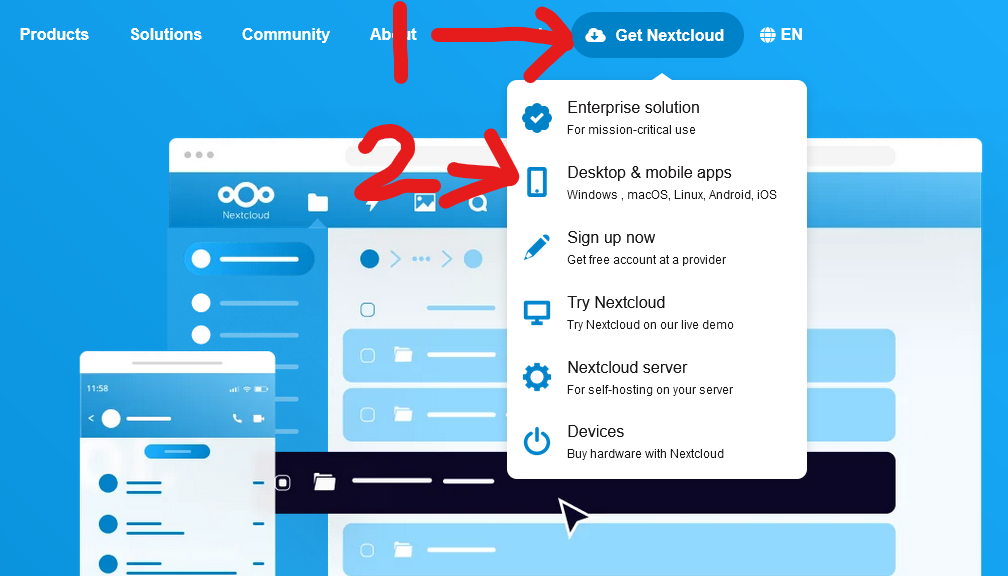
- Along the top of the page go to "Get Nextcloud", then click "Desktop & Mobile Apps"

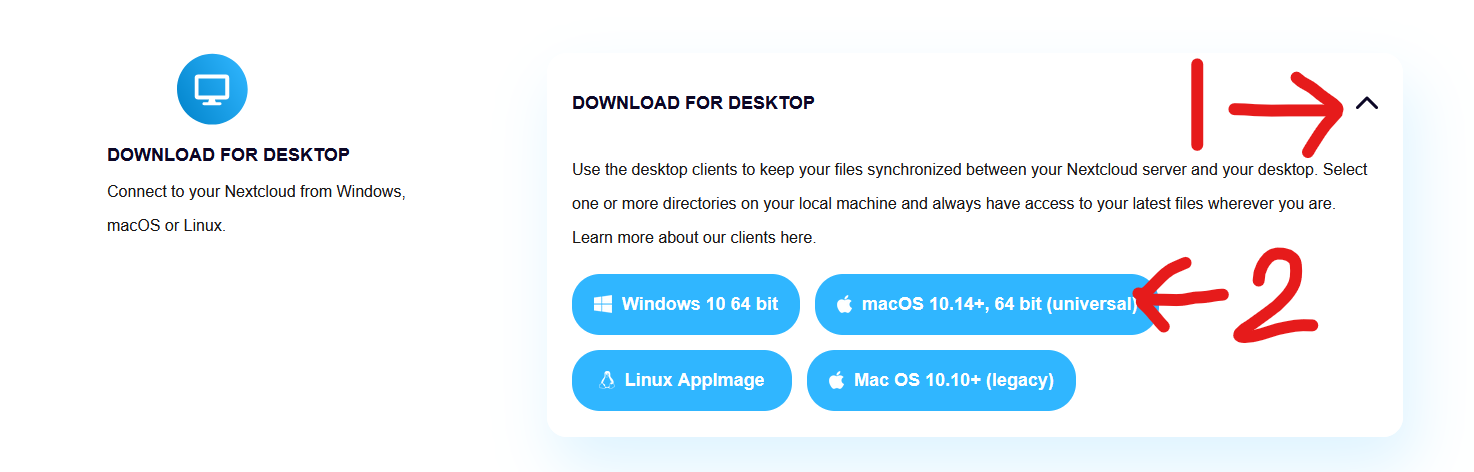
- Scroll down to "Download For Desktop", click the drop arrow, then click "macOS 10.14+, 64 bit"

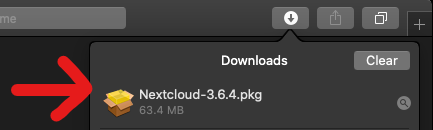
- A file should start downloading, once downloaded open the file.

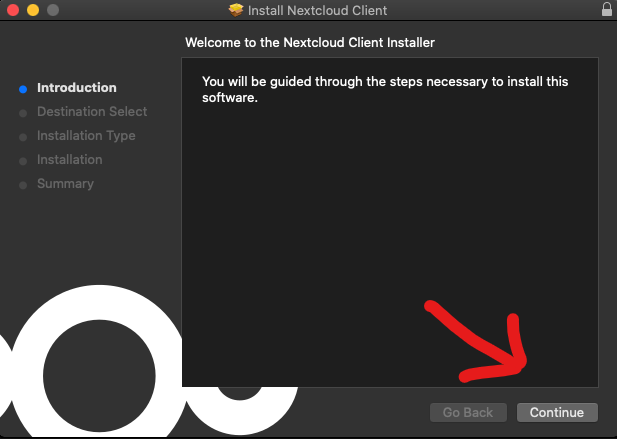
- You should be greeted by the Nextcloud installer, click continue

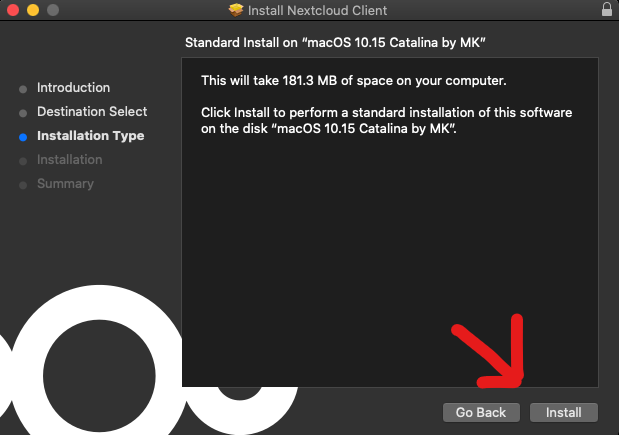
- Click Install

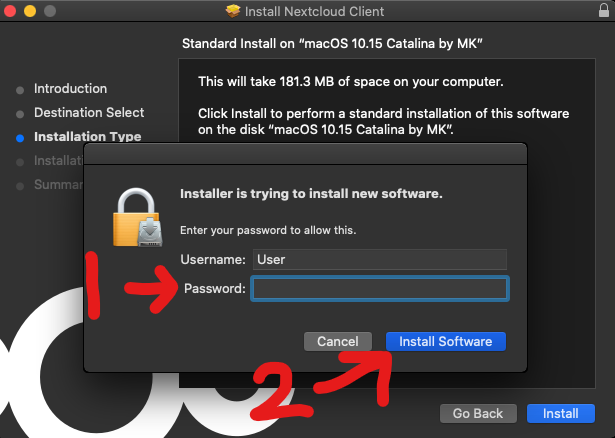
- A popup should appear asking for permission to install Nextcloud, please enter your device's password and click "Install Software"

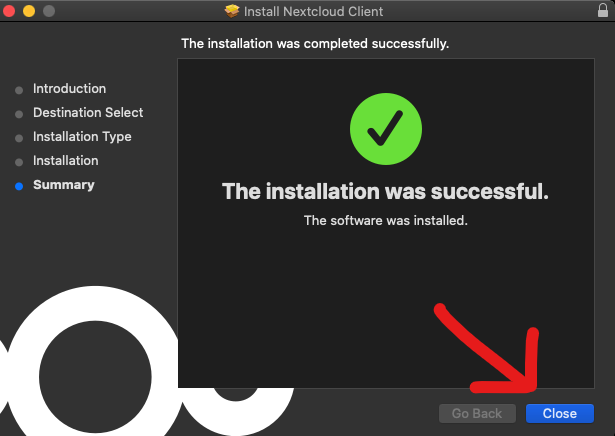
- Nextcloud should now be installed, click the "Close" button.

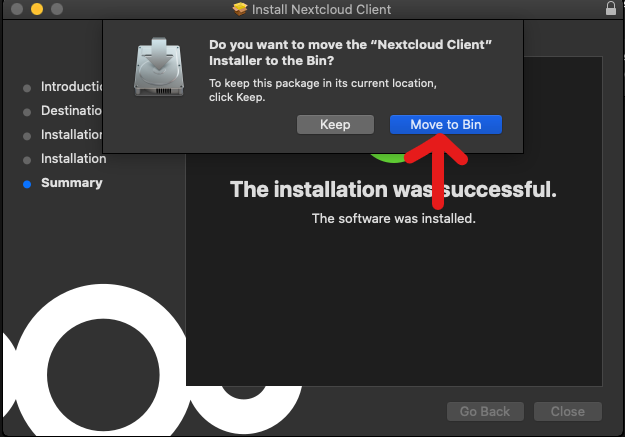
- A pop up should appear asking if you would like to move the Nextcloud installer to the bin, click "Move to Bin"

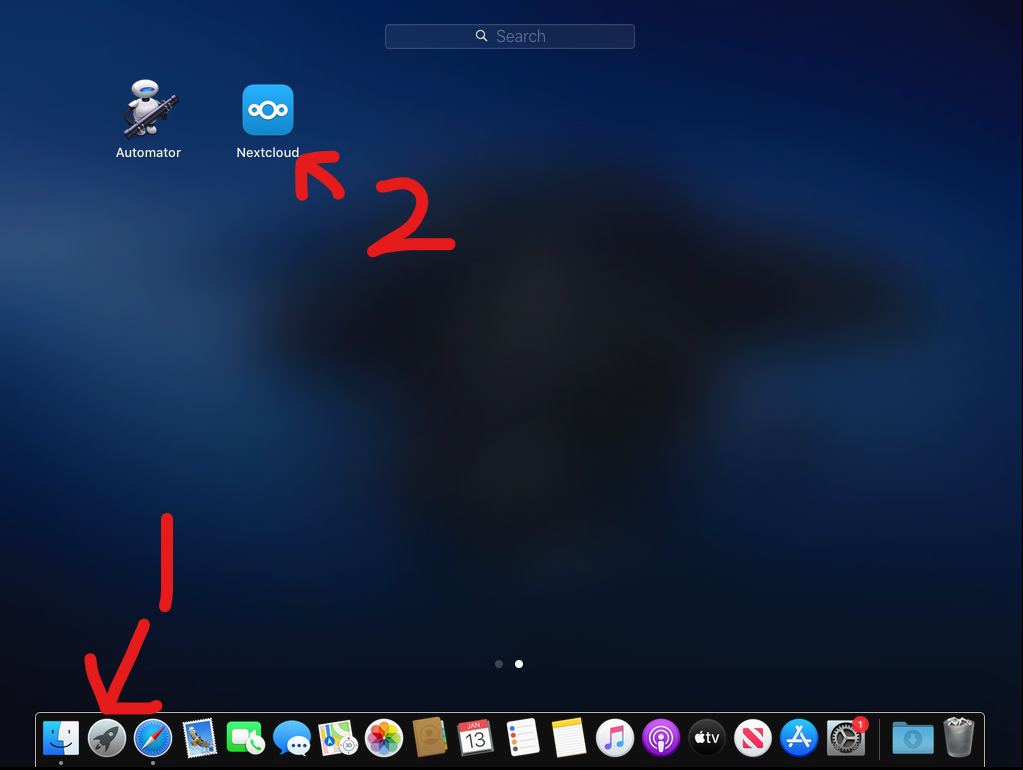
- Go to your programs and open "Nextcloud"

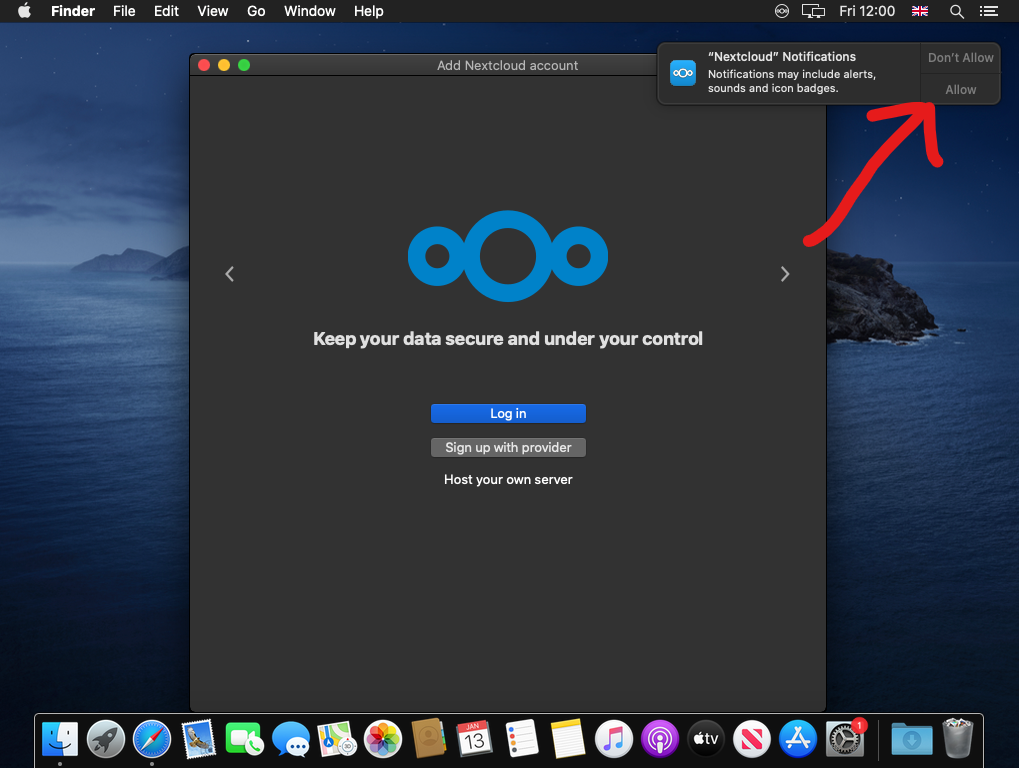
- Nextcloud should now open, a pop up in the corner should ask for permission for notifications, click allow

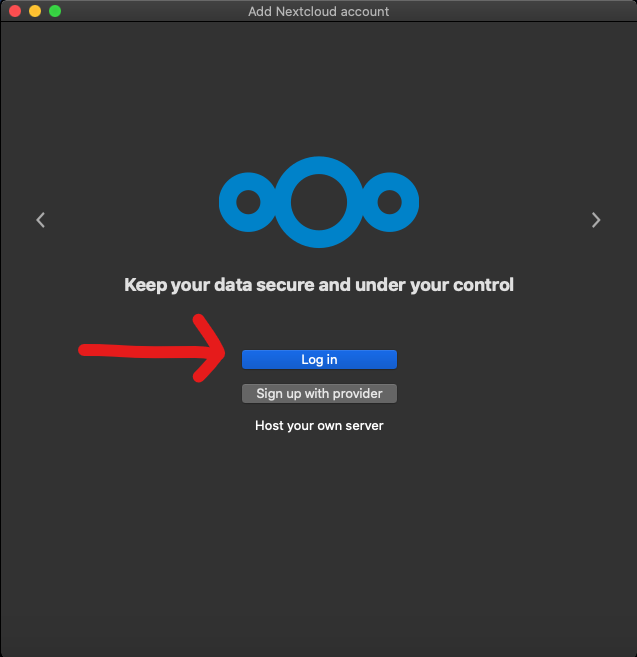
- Click "Log in"

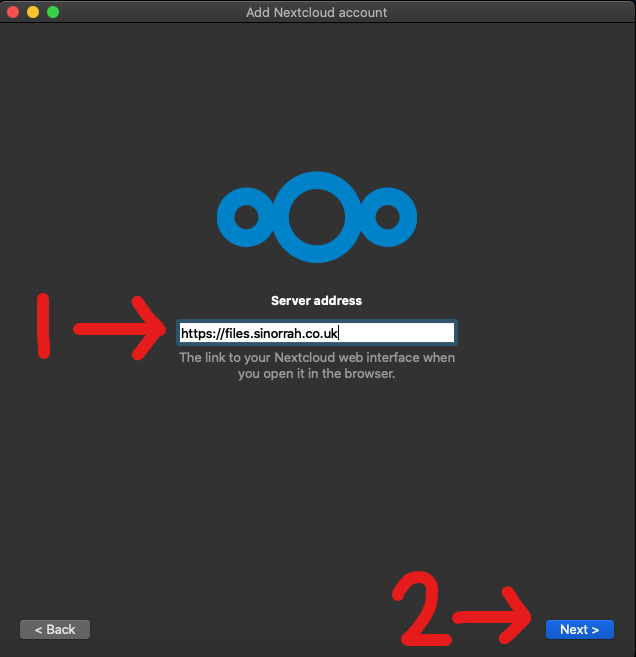
- In the "Server address" box, type in "https://files.sinorrah.co.uk", then click "Next"

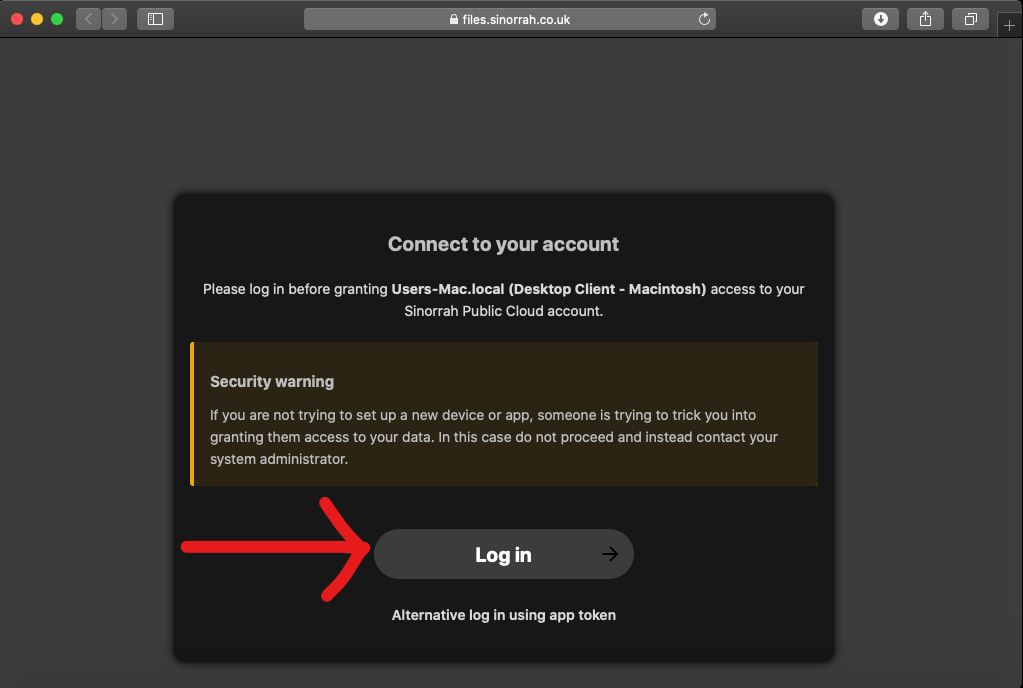
- A web browser should open asking you to "Connect to your account", click "Log in"

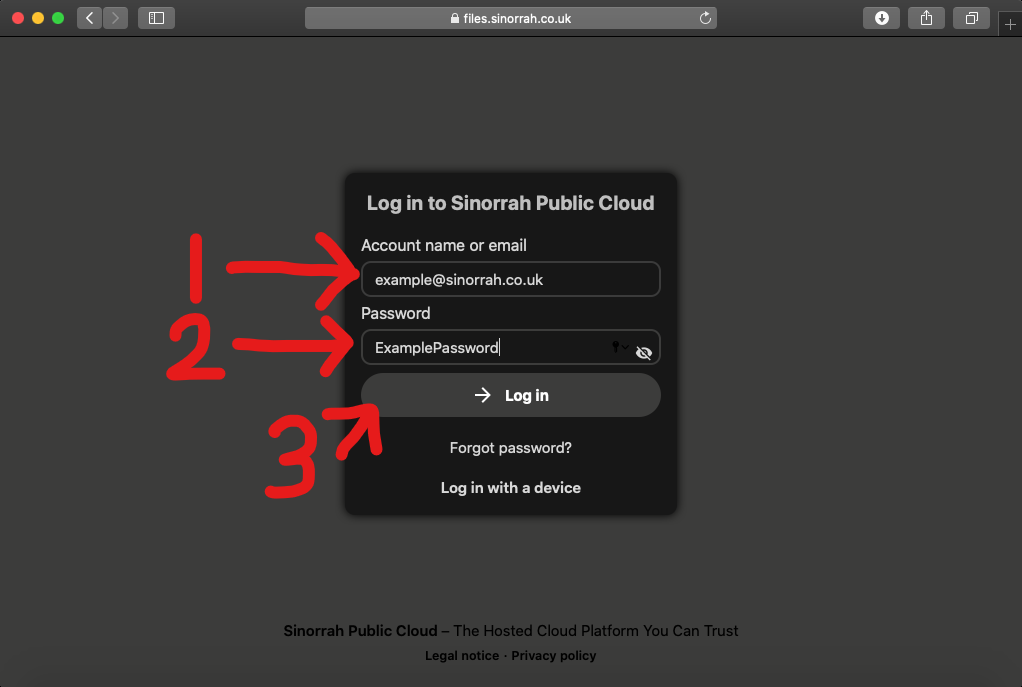
- You should now be greeted with a login page, please put your email in the "Account name or Email" box, then put your password in the "Password" box, then click "Log in"

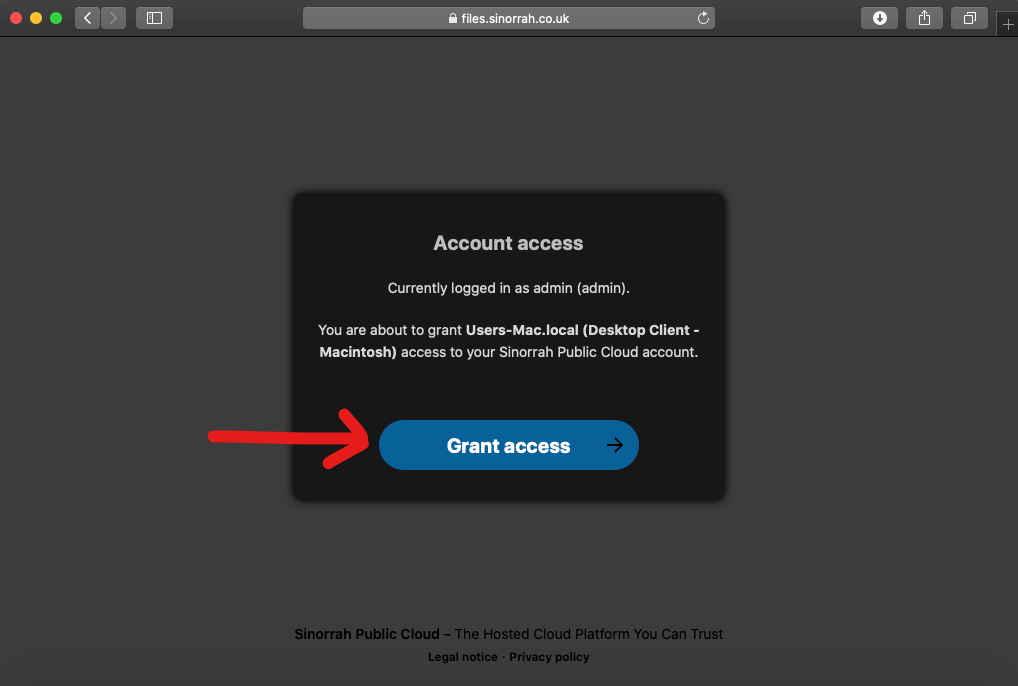
- If the account details are correct you should get to this screen, click "Grant Access"

- You should now see "Account connected", Nextcloud should reopen soon after
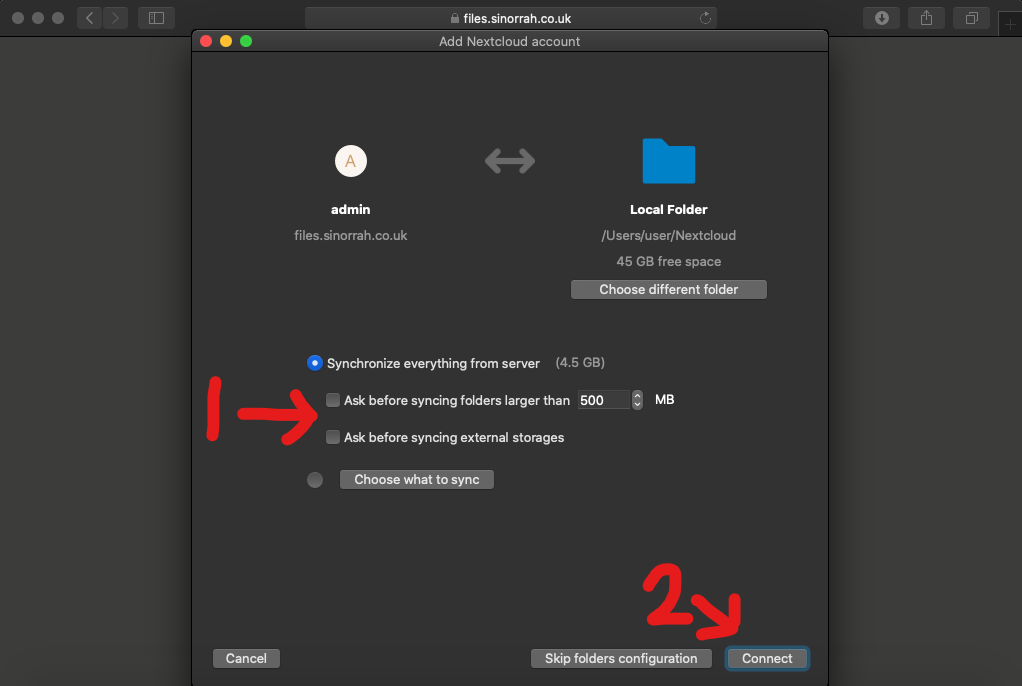
- Make sure both "Ask before Syncing" are unticked, then click "Connect"

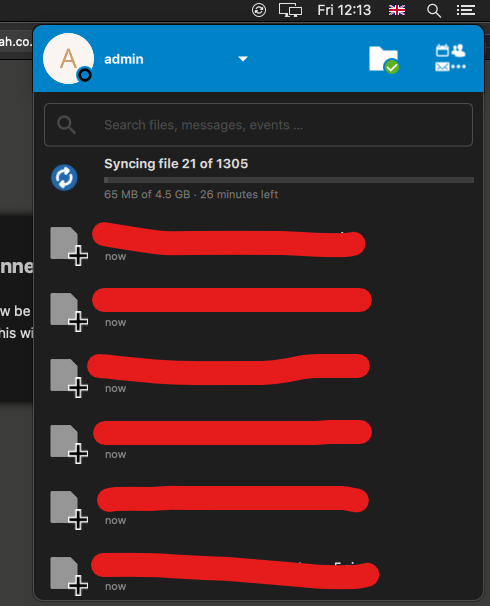
- If the Nextcloud install is successful, you should see Nextcloud pop up and start to sync your files.

Nextcloud Mac OS VFS Troubleshooting
Folders either empty or not syncing at all
- Remove
~/Library/Application Support/FileProvider/com.nextcloud etc(this is where the configuration files that tell macOS to mount its providers go - Nextcloud doesn't properly clean these up when you delete the connection). - Uninstall Nextcloud (unless you intend to re-establish some connections; if you don't uninstall it, the folder above will re-appear, albeit harmlessly with just some default entries).
- Restart your Mac (must be a restart, not a logout/in, or macOS won't let go enough for you to do the next step).
- Go to
~/Library/CloudStoragein the Finder. Delete the folders that start withNextcloud, I had to do a sudo rm -r -f to be able to do this, but this might not be needed
This will do a full reset on the VFS